When it comes to missing images there's a few things that can happen.
- We don't synchronize images, meaning we don't remove them so store owners have the option to add their own. If Turn 14 adds a new image down the road you can delete all the old images and we will automatically load the new images for you.
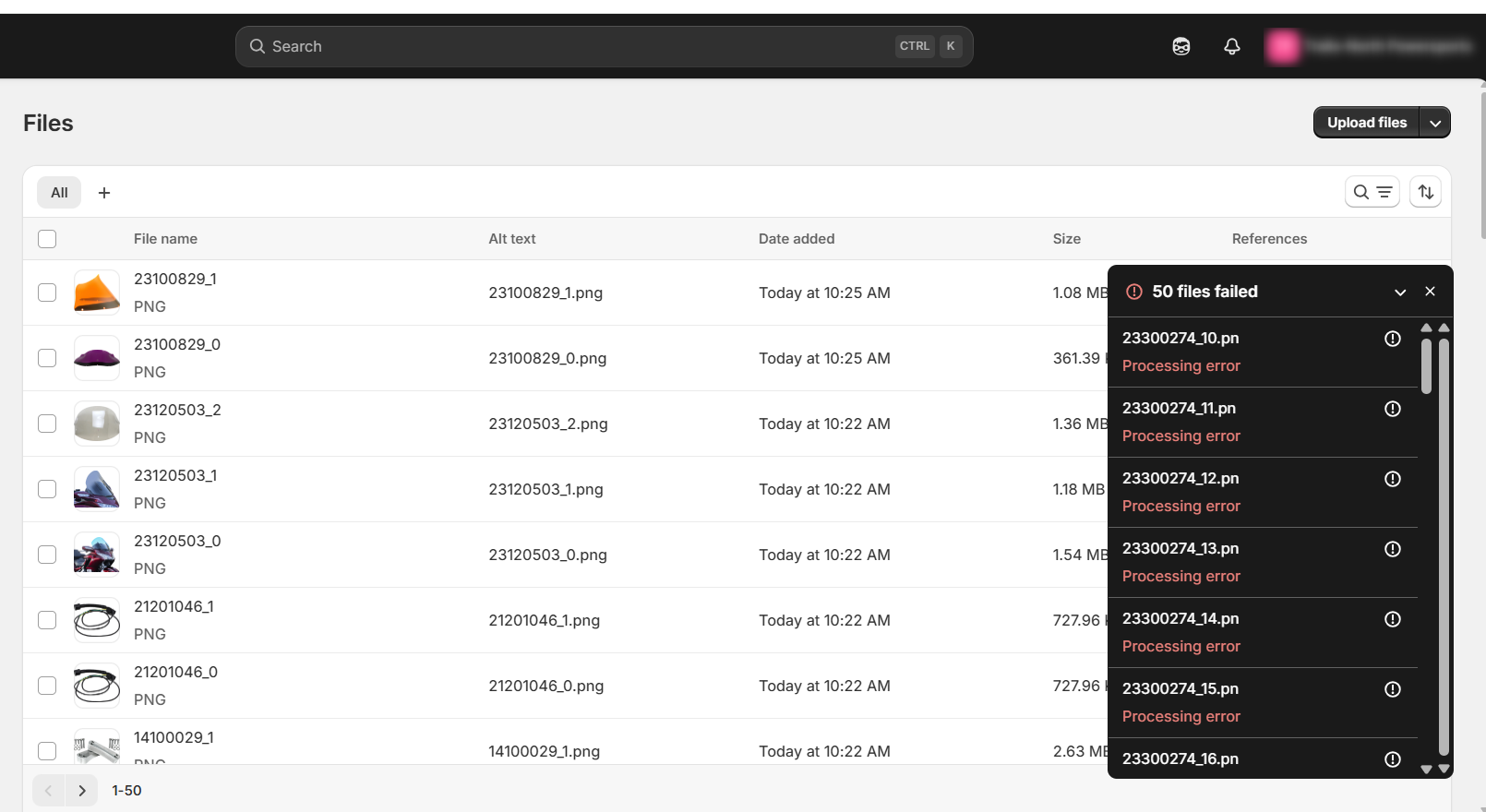
- Occasionally there can be an error while loading the image, you could always delete the product and allow the app to reload it and see what happens. (Or you can do this brand by brand.)
- Sometimes Shopify rejects the image if it's the wrong size or for other format issues like that.
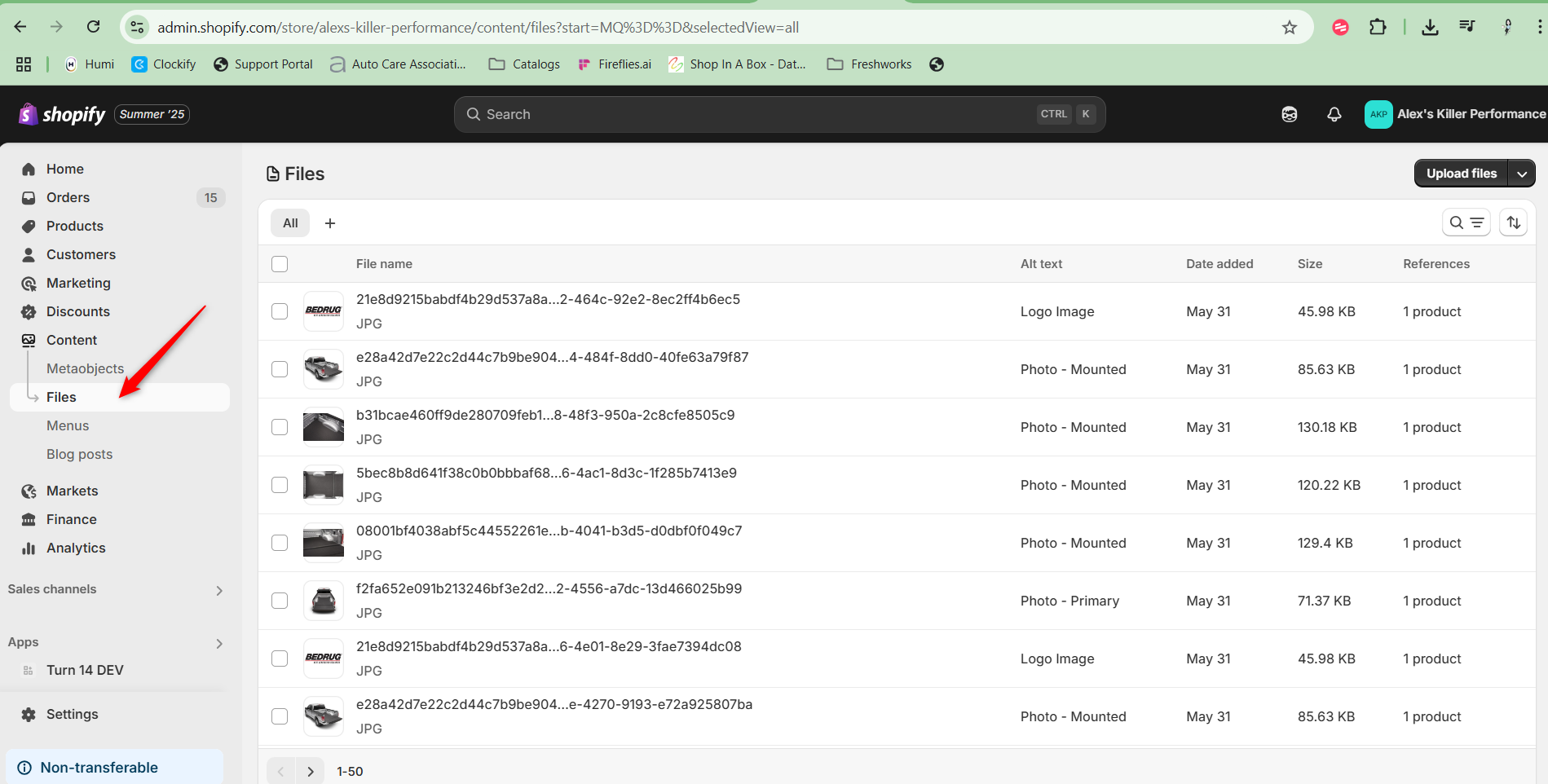
- Shopify has added a new storage limit for images, you can see if you've reached that limit by checking in Shopify under the content tab and files.
Was this article helpful?
That’s Great!
Thank you for your feedback
Sorry! We couldn't be helpful
Thank you for your feedback
Feedback sent
We appreciate your effort and will try to fix the article