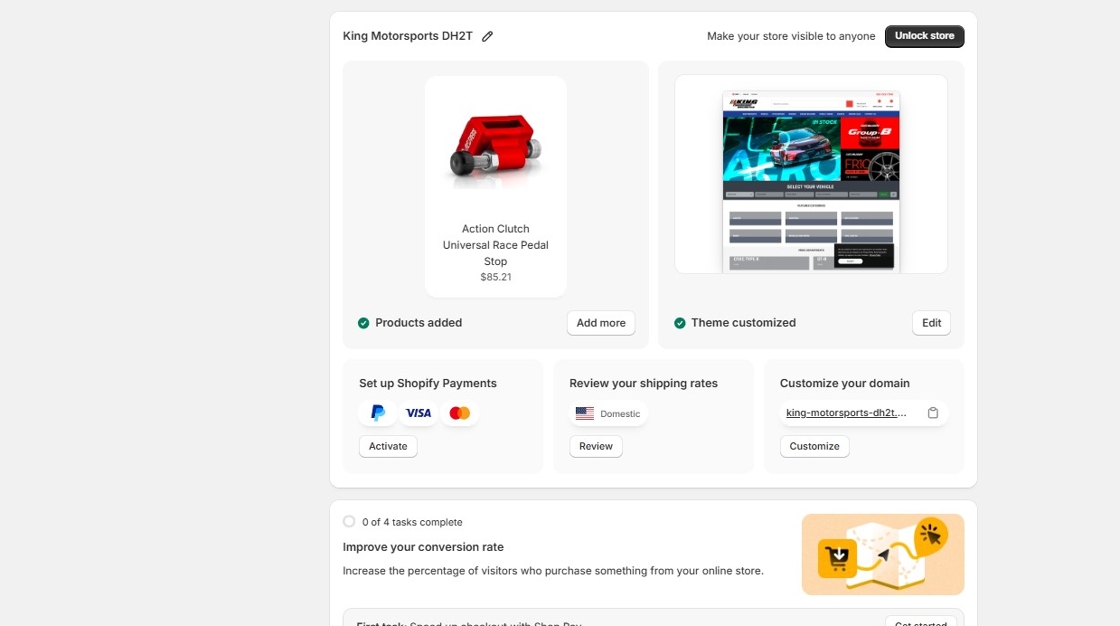
1. Open your Shopify store.
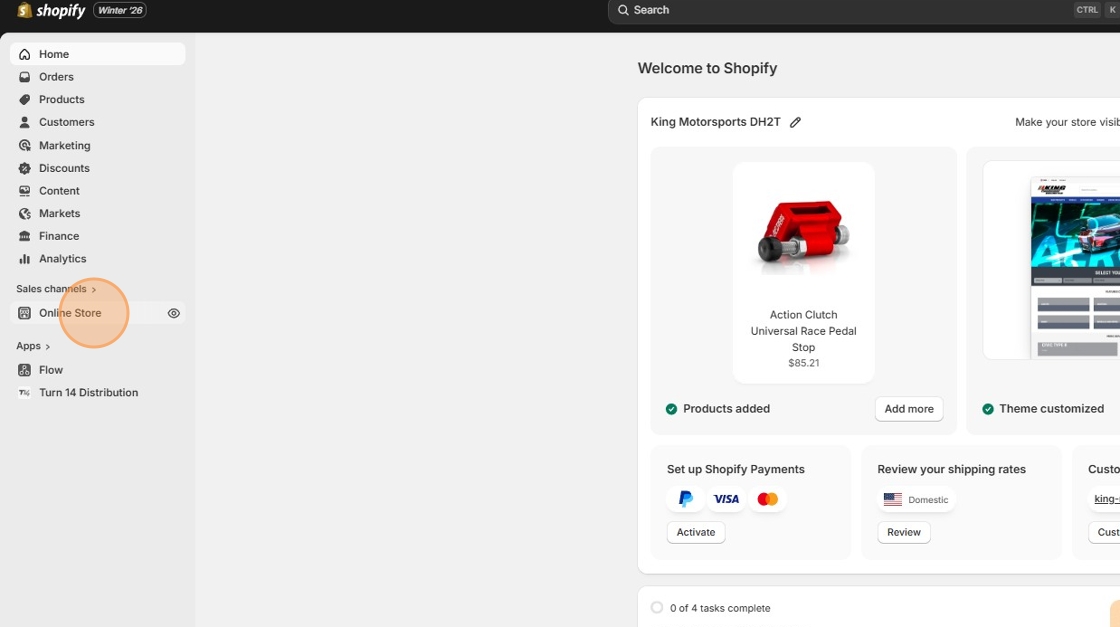
2. Click "Online Store"
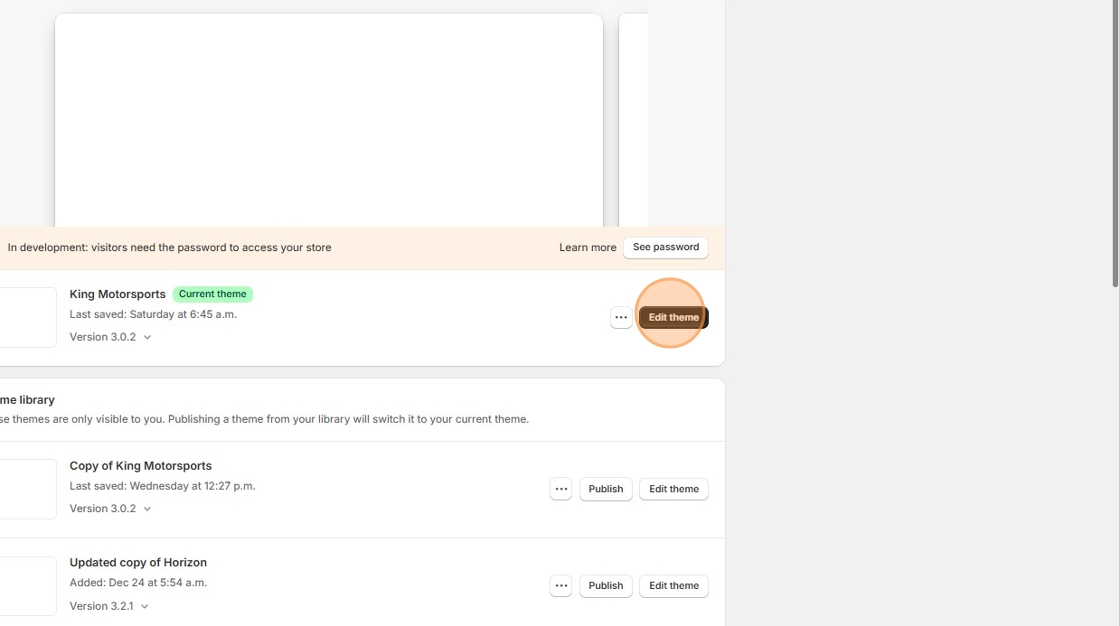
3. Click "Edit theme"
4. Click here.
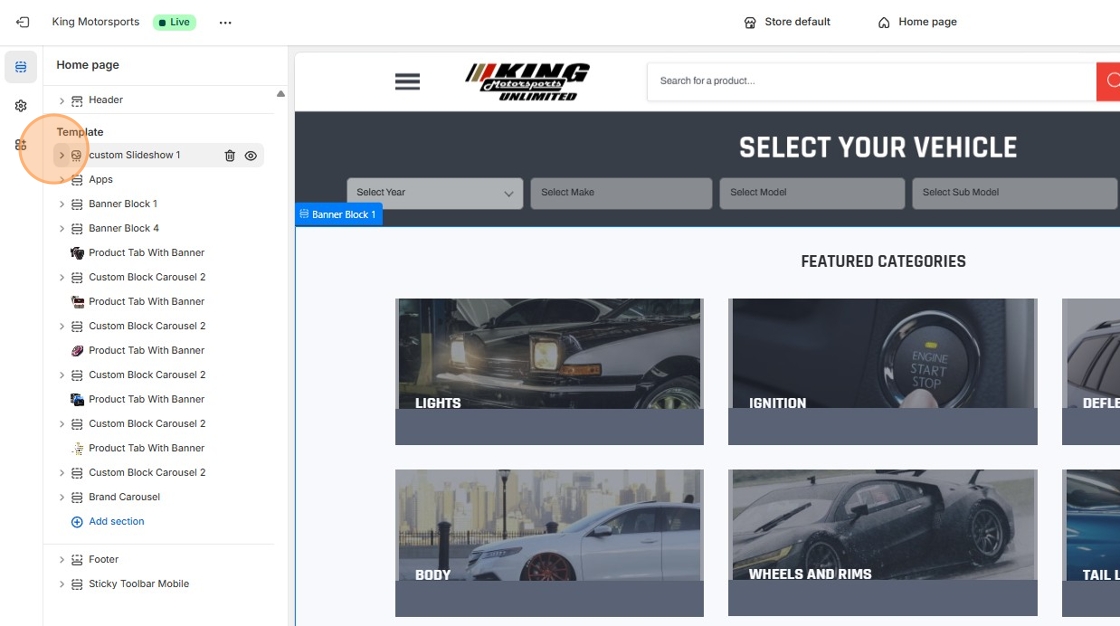
5. Click this button.
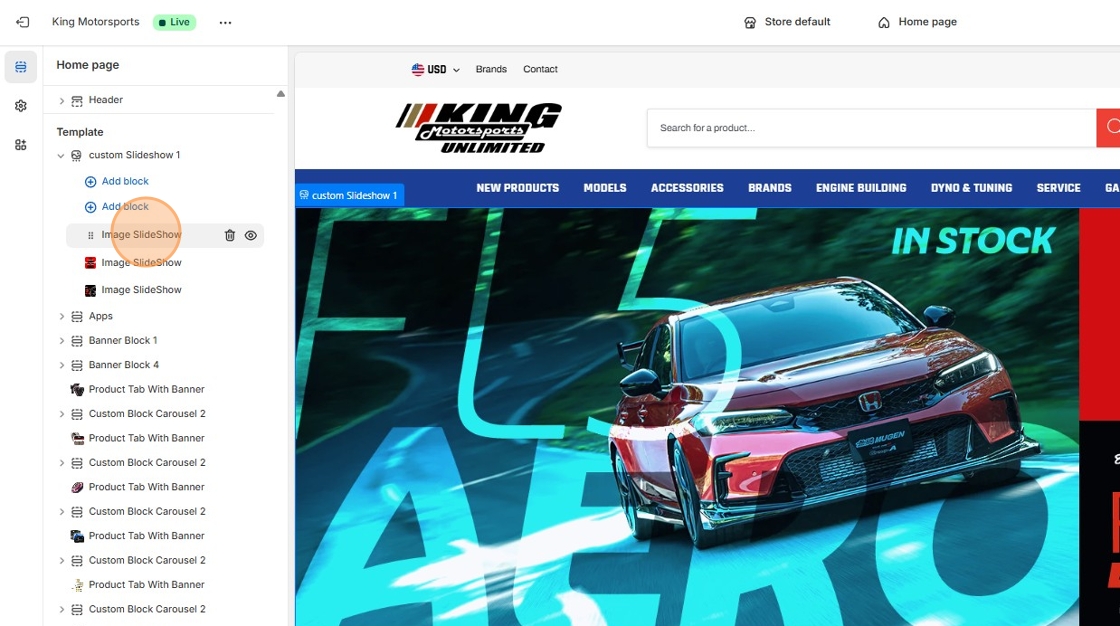
6. Click "Change"

7. Click "Select from library" and upload a new image of your choosing.
Was this article helpful?
That’s Great!
Thank you for your feedback
Sorry! We couldn't be helpful
Thank you for your feedback
Feedback sent
We appreciate your effort and will try to fix the article