1. Open your Shopify store
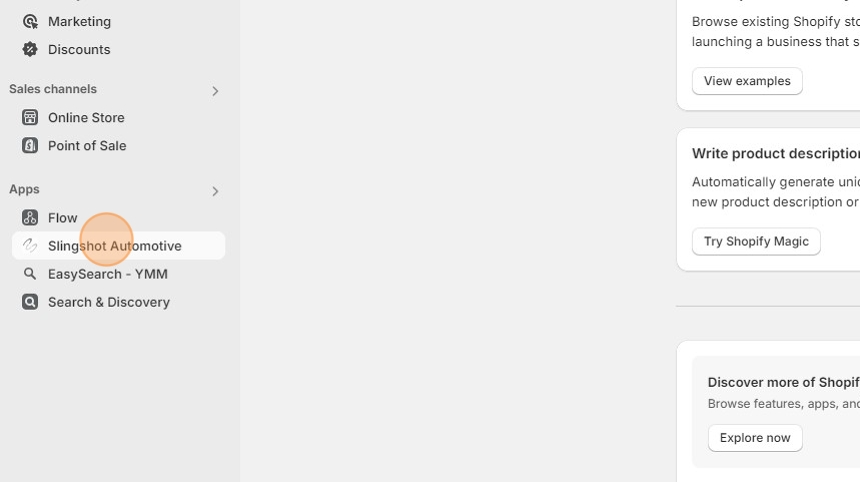
2. Open the "Slingshot Automotive" app
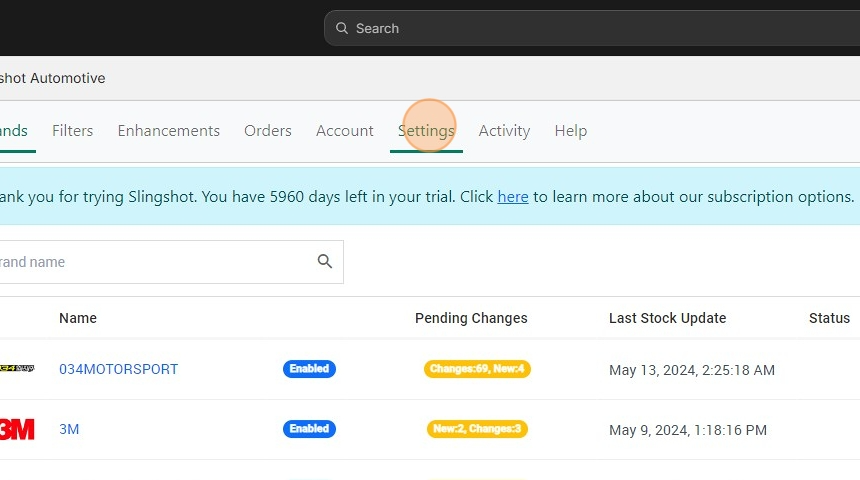
3. Click the "Settings" tab
4. Scroll down to Automatic Distributors and click "Connect"
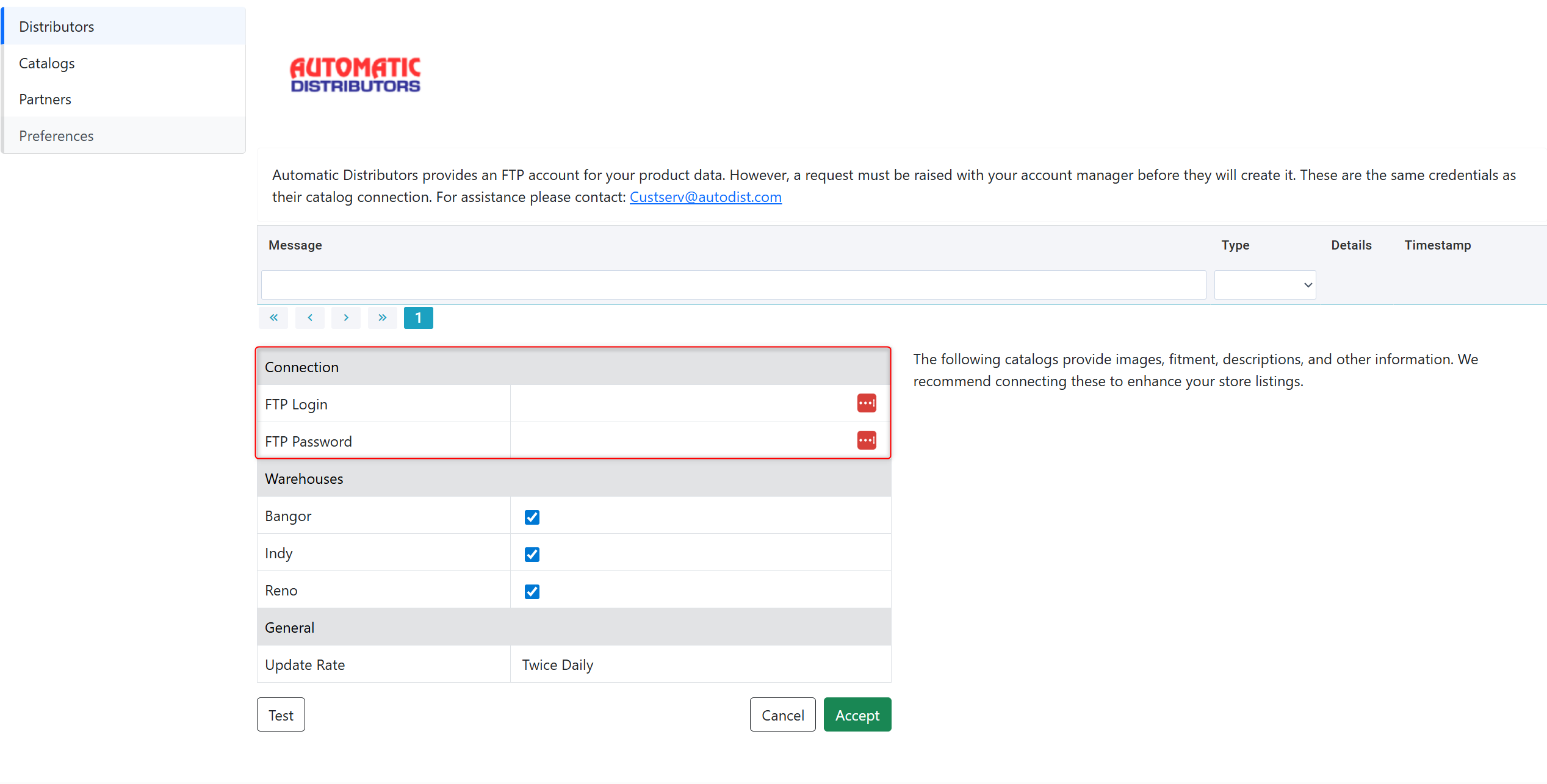
5. Automatic Distributors provides an FTP account for your product data. However, need to email your account manager and ask them to create it. These are the same credentials as their catalog connection. For assistance please contact: Custserv@autodist.com
6. Enter the credentials provided by DH2T Support into the Automatic Distributors connection window, and click "Accept"
Was this article helpful?
That’s Great!
Thank you for your feedback
Sorry! We couldn't be helpful
Thank you for your feedback
Feedback sent
We appreciate your effort and will try to fix the article