Here's how to prioritize loading new products for one specific brand.
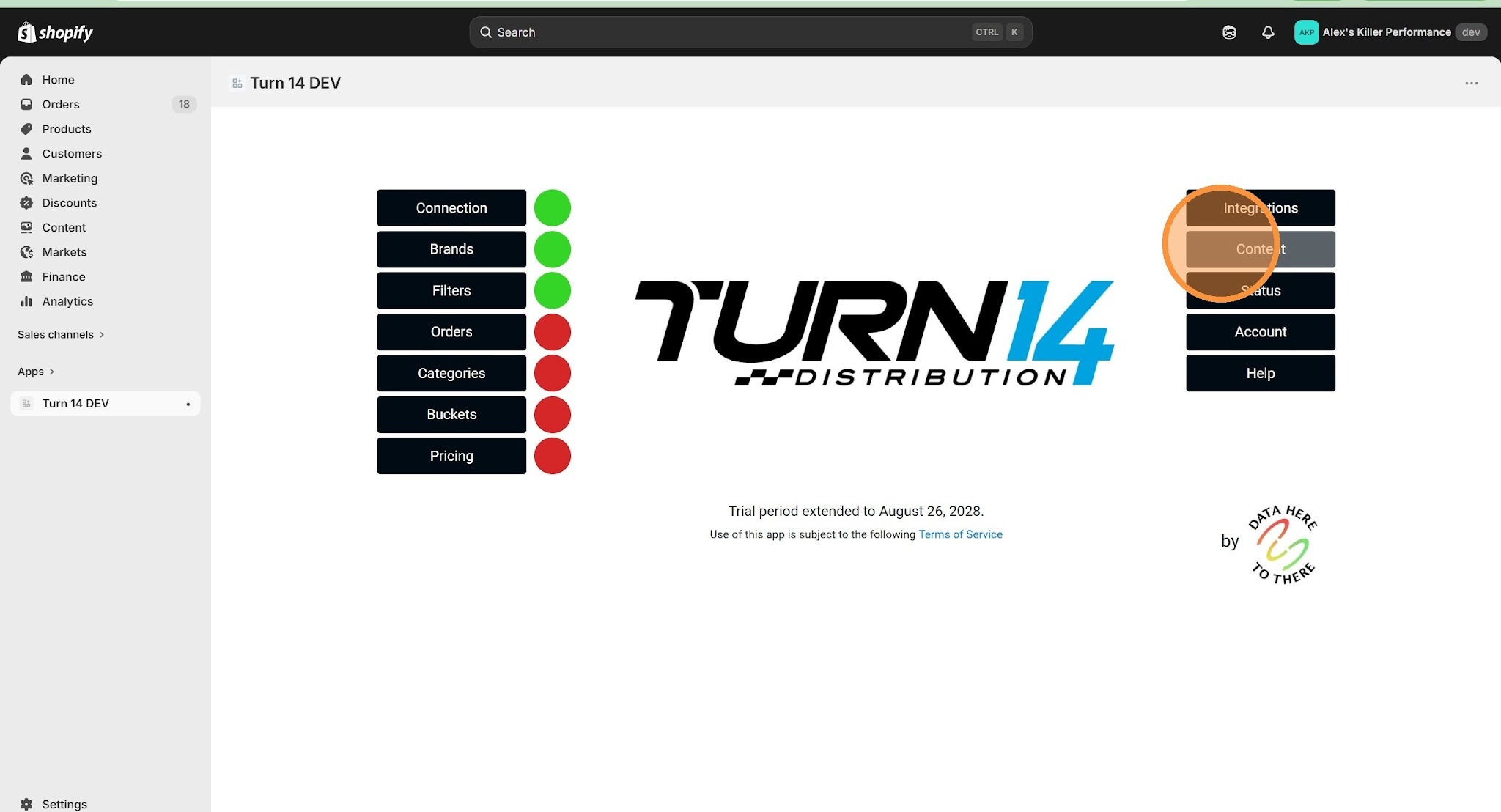
1. Click "Content"
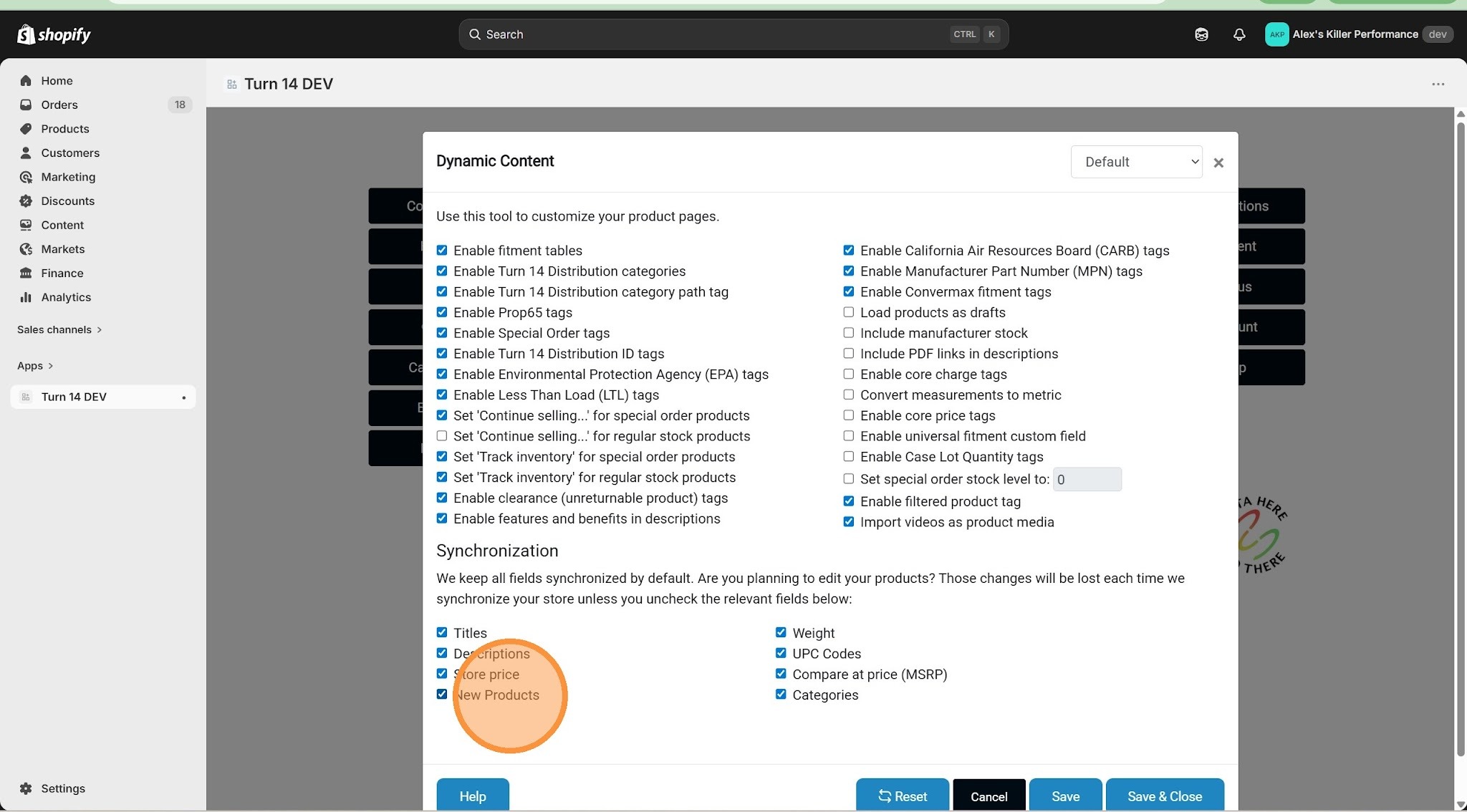
2. Uncheck "New Products" in the Synchronization section
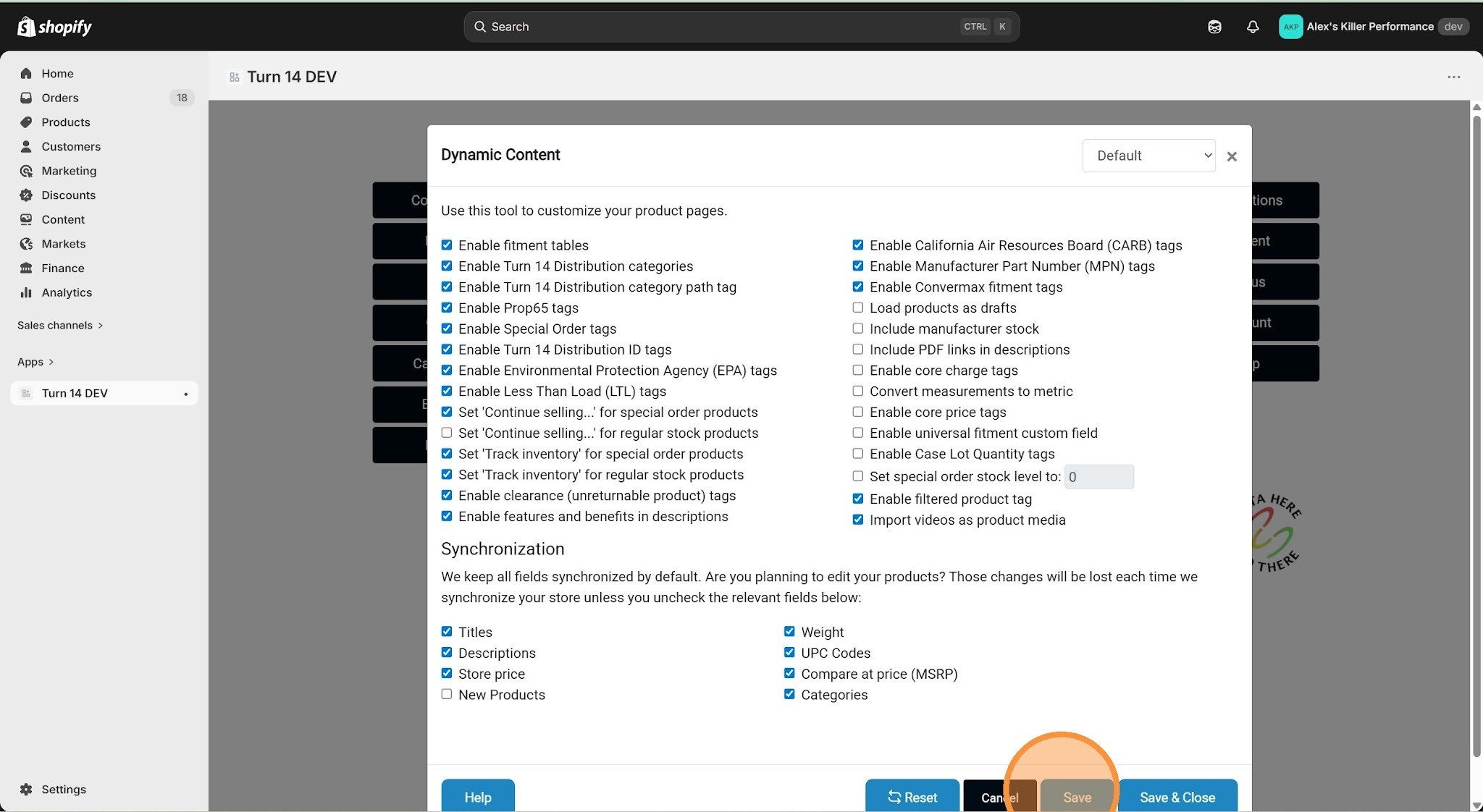
3. Click "Save"
4. Select your desired brand from the brand dropdown menu
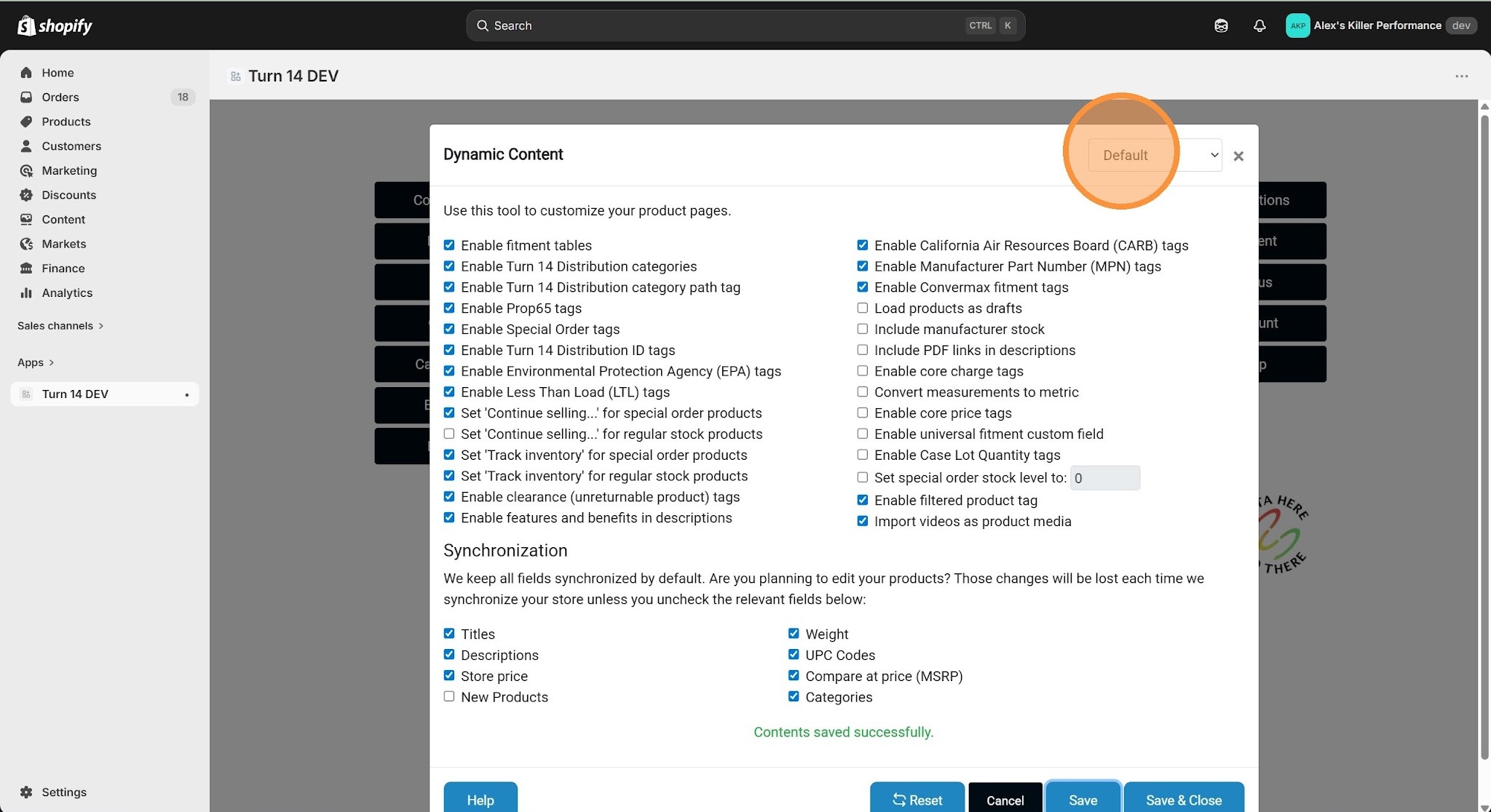
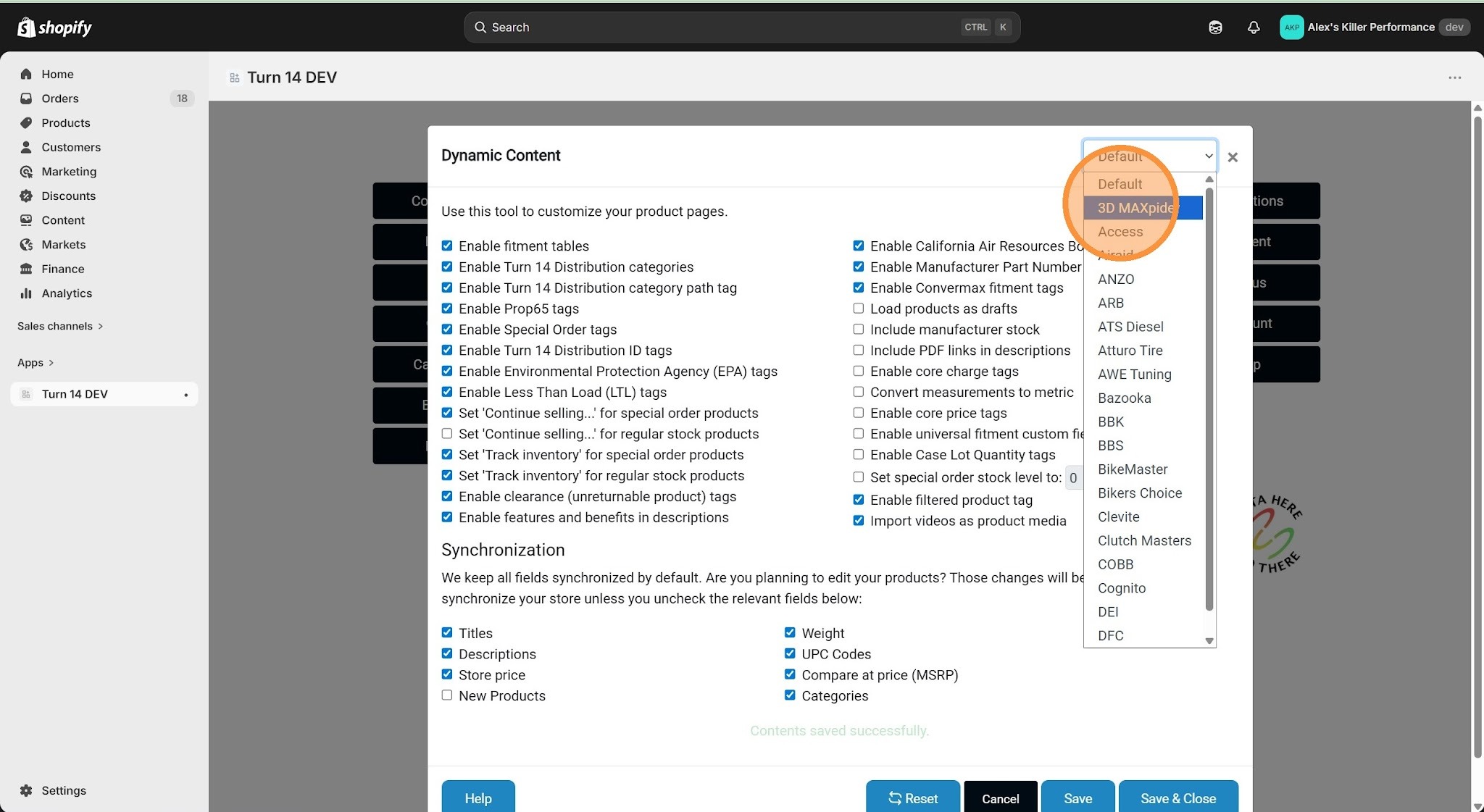
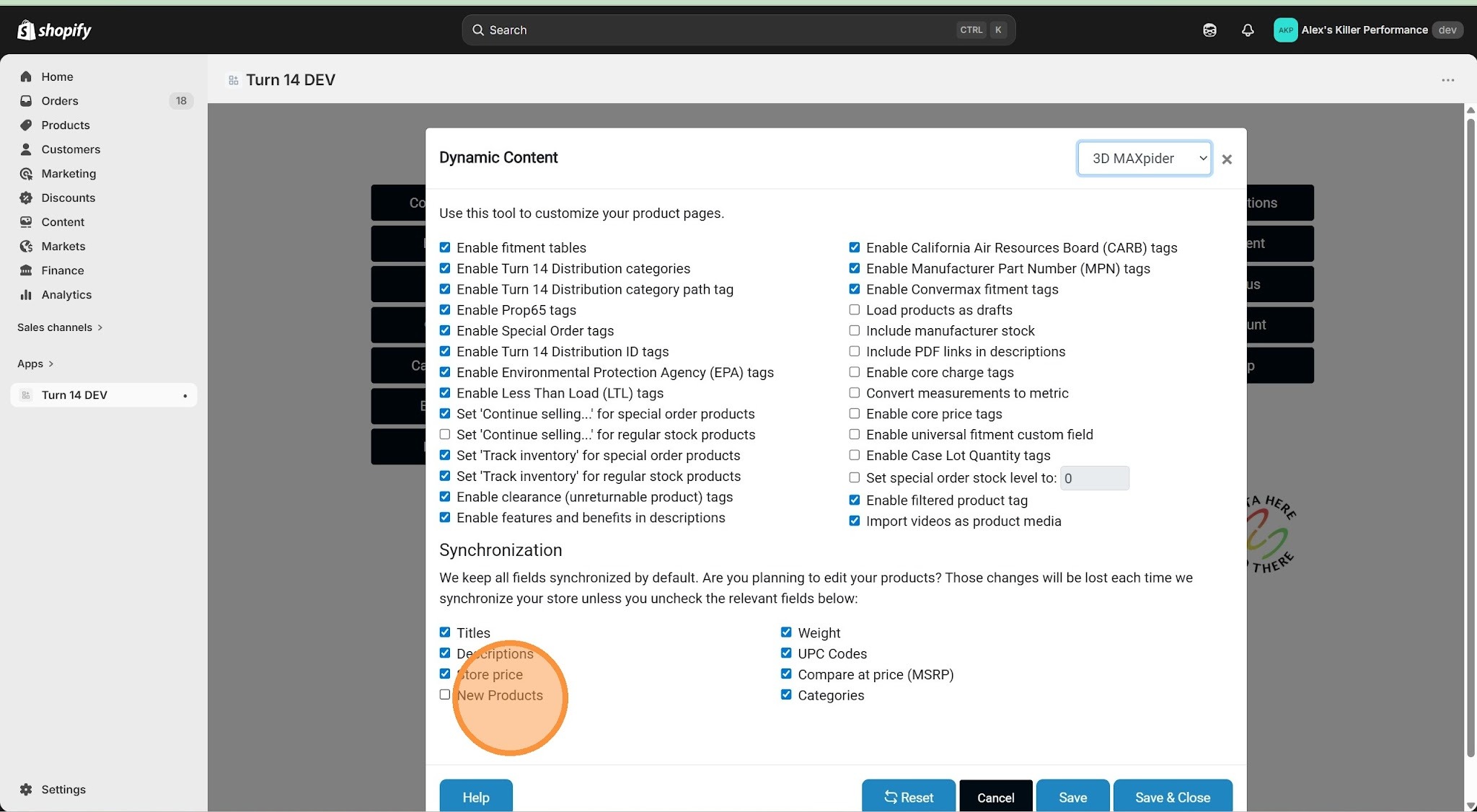
5. Make sure "New Products" is enabled for the selected brand
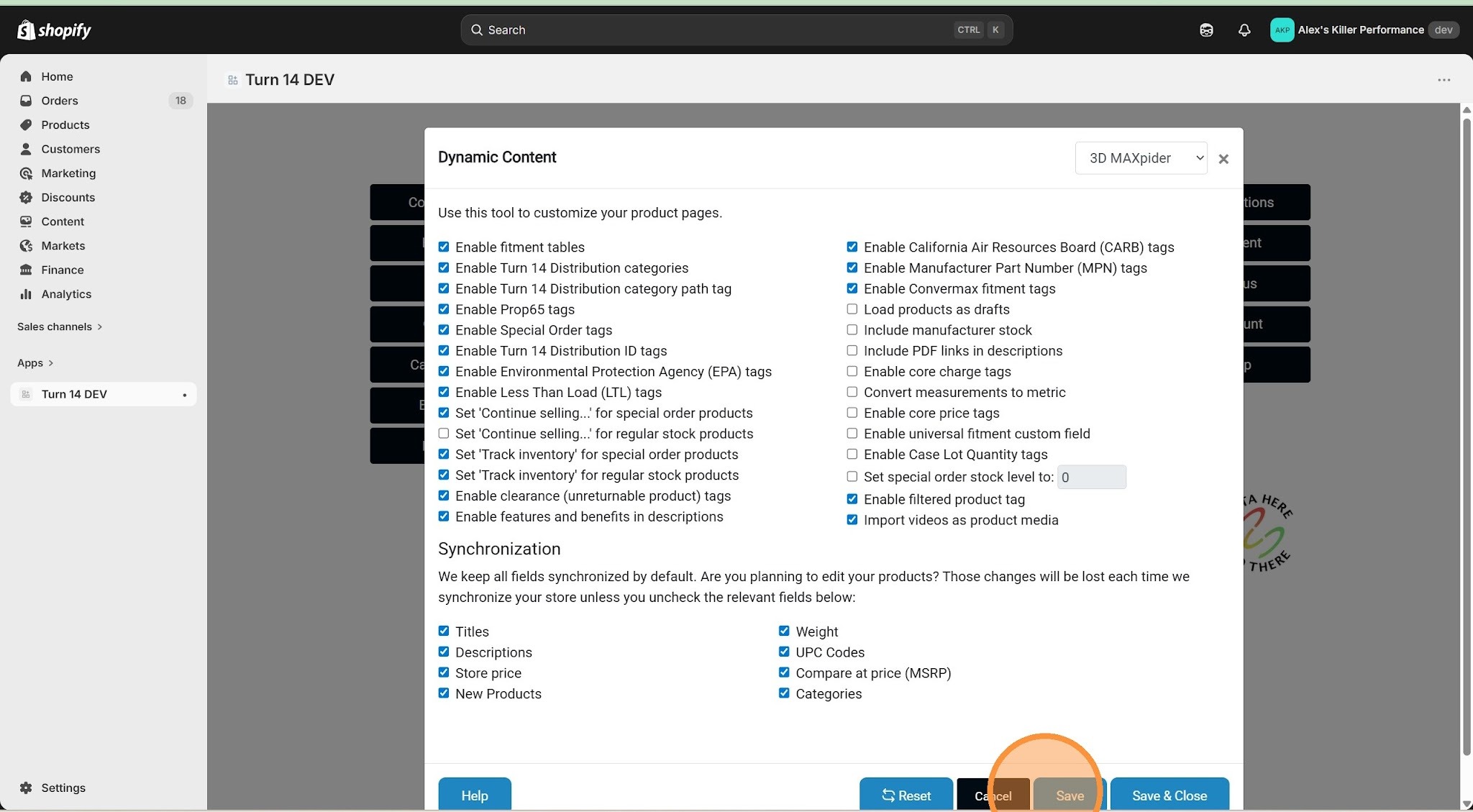
6. Click "Save"
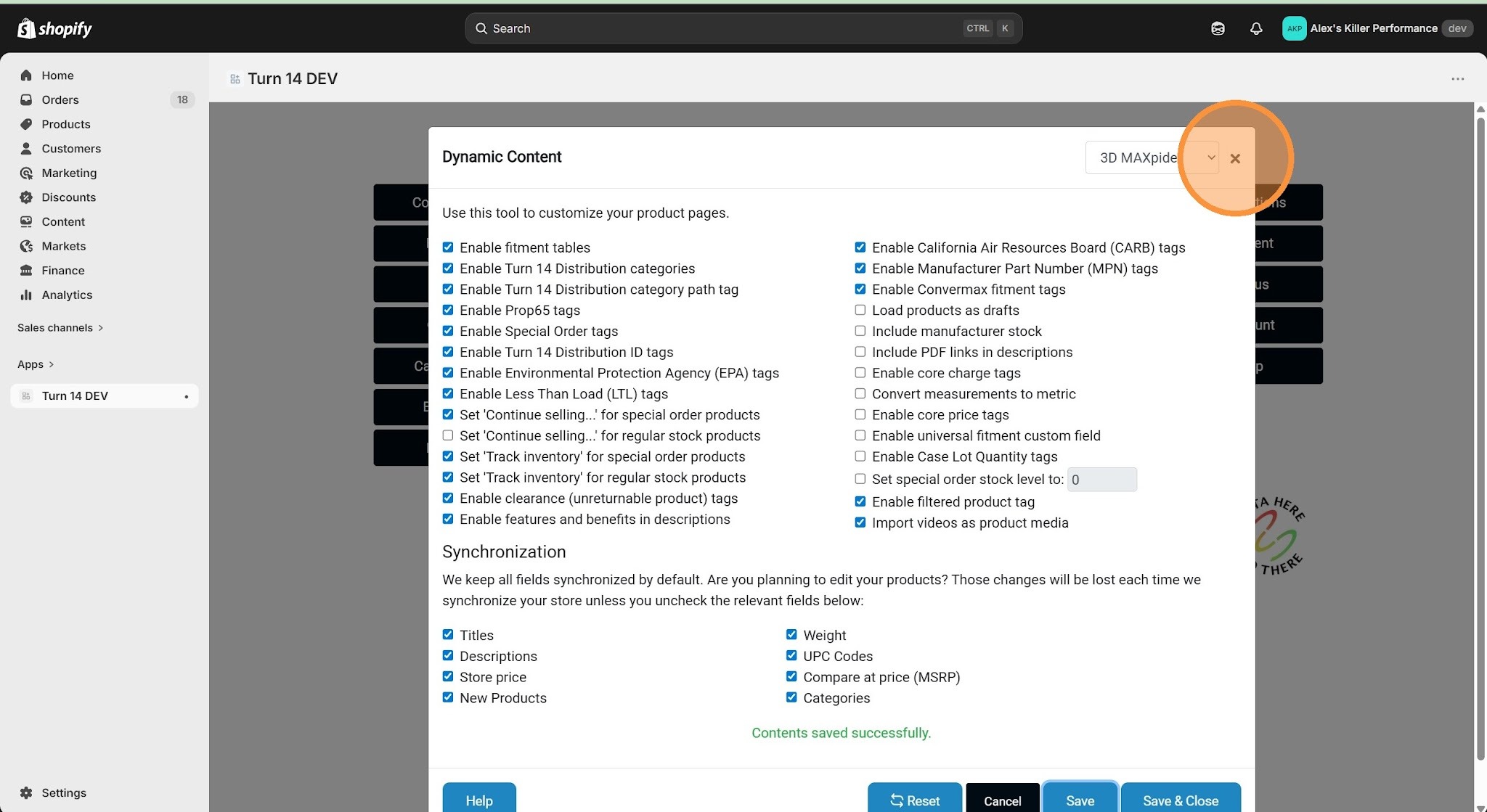
7. Click "Close" to return to the dashboard
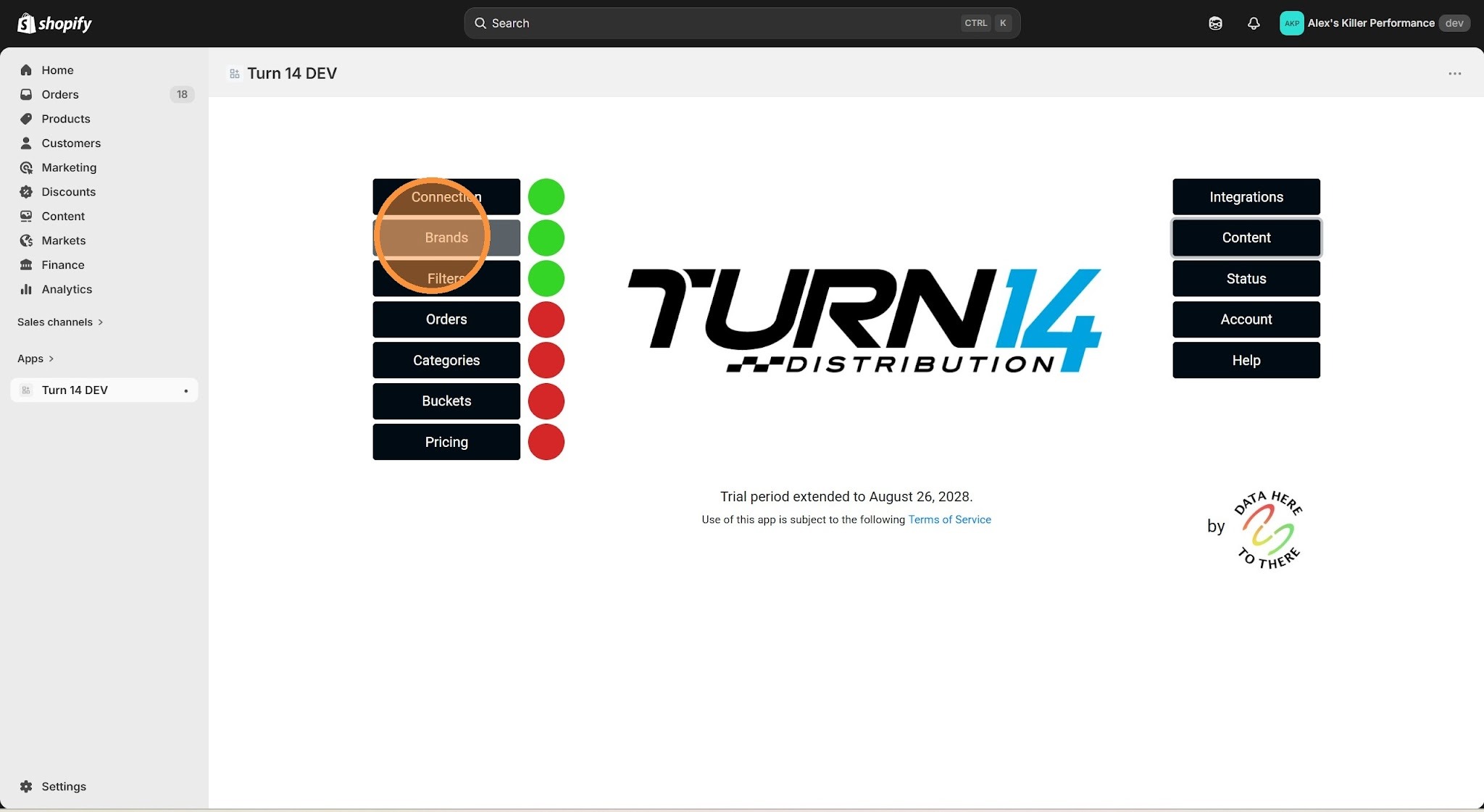
8. Click "Brands"
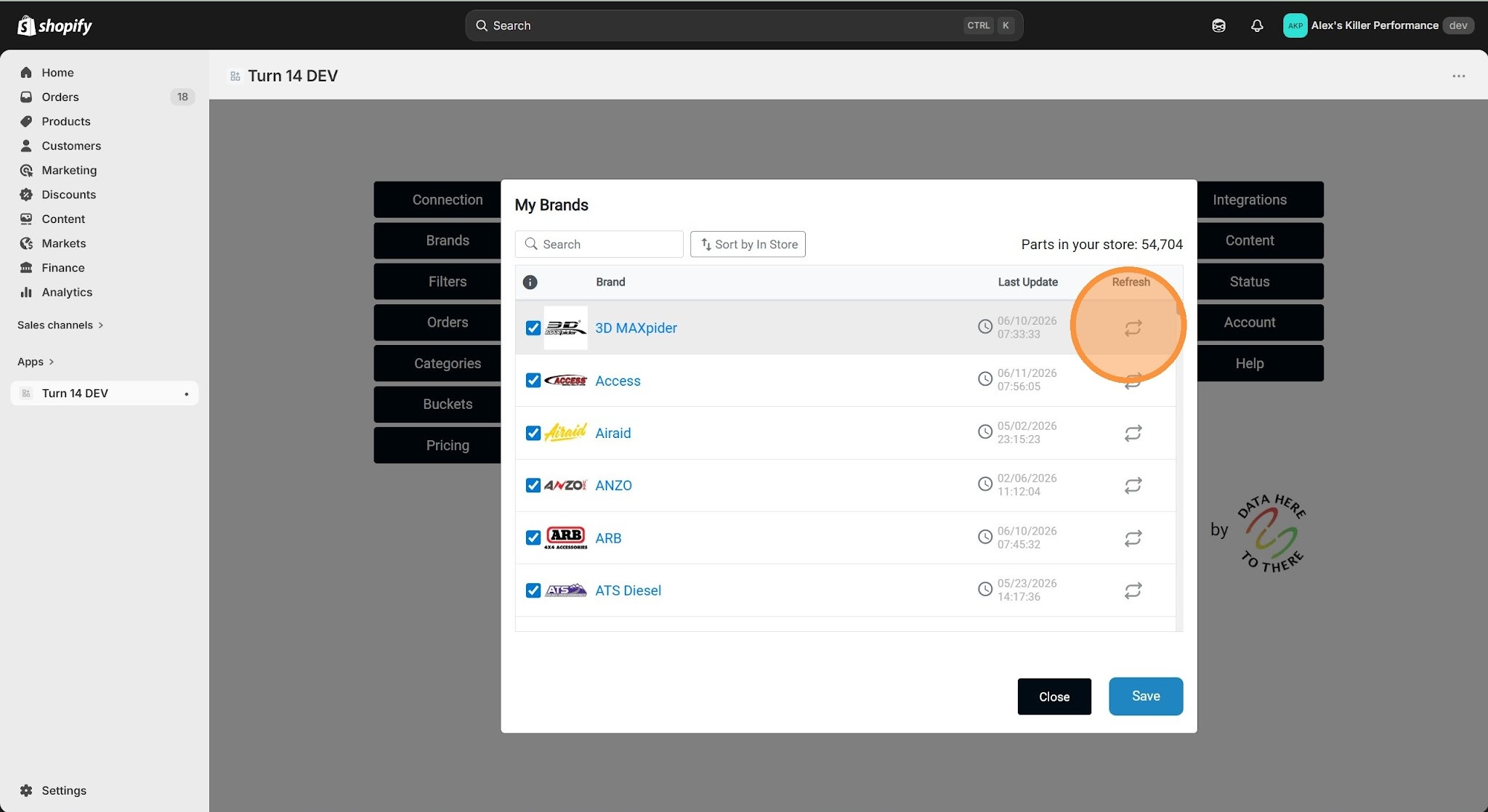
9. Click the "Refresh" icon next to the desired brand
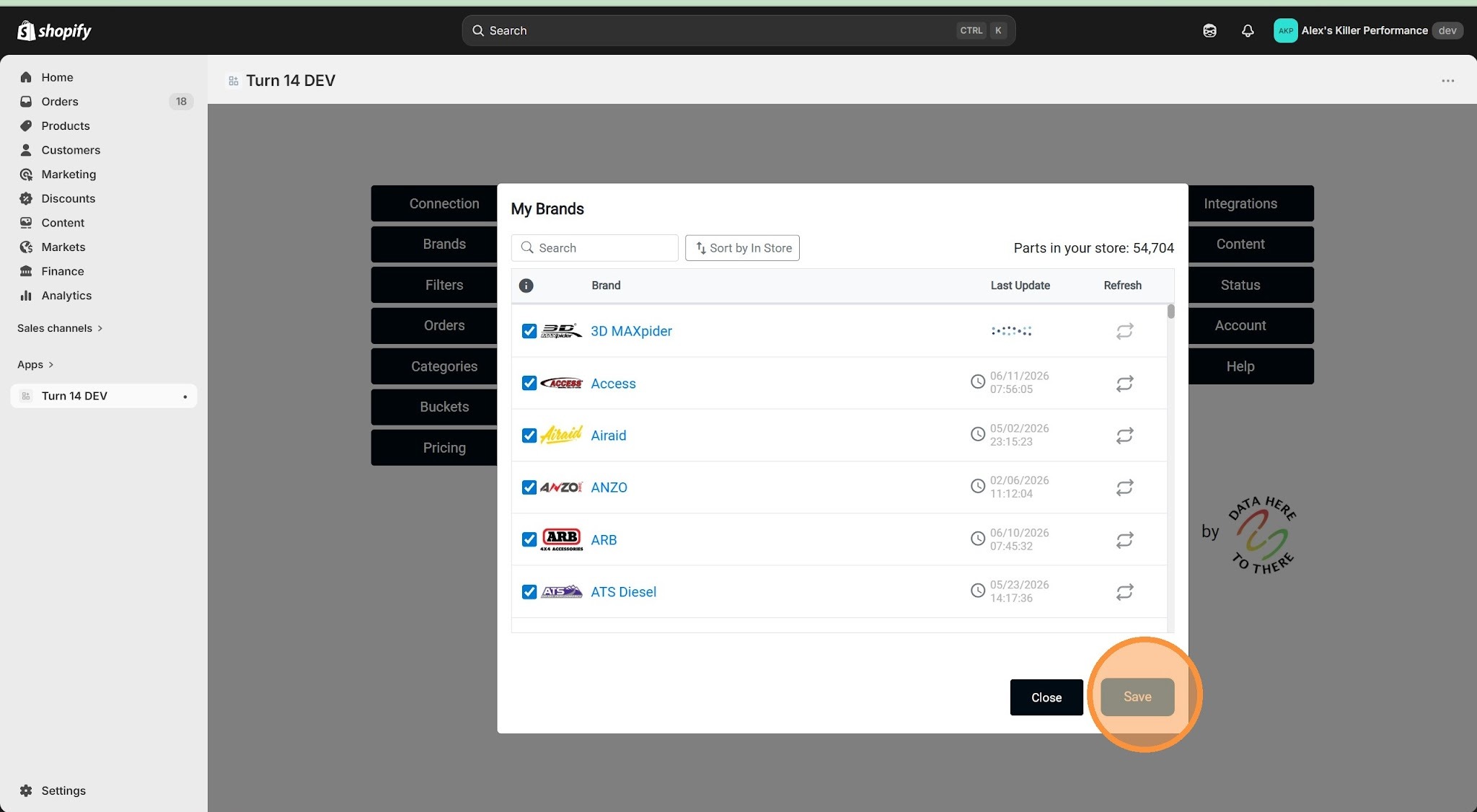
10. Click "Save" to confirm brand updates
Was this article helpful?
That’s Great!
Thank you for your feedback
Sorry! We couldn't be helpful
Thank you for your feedback
Feedback sent
We appreciate your effort and will try to fix the article