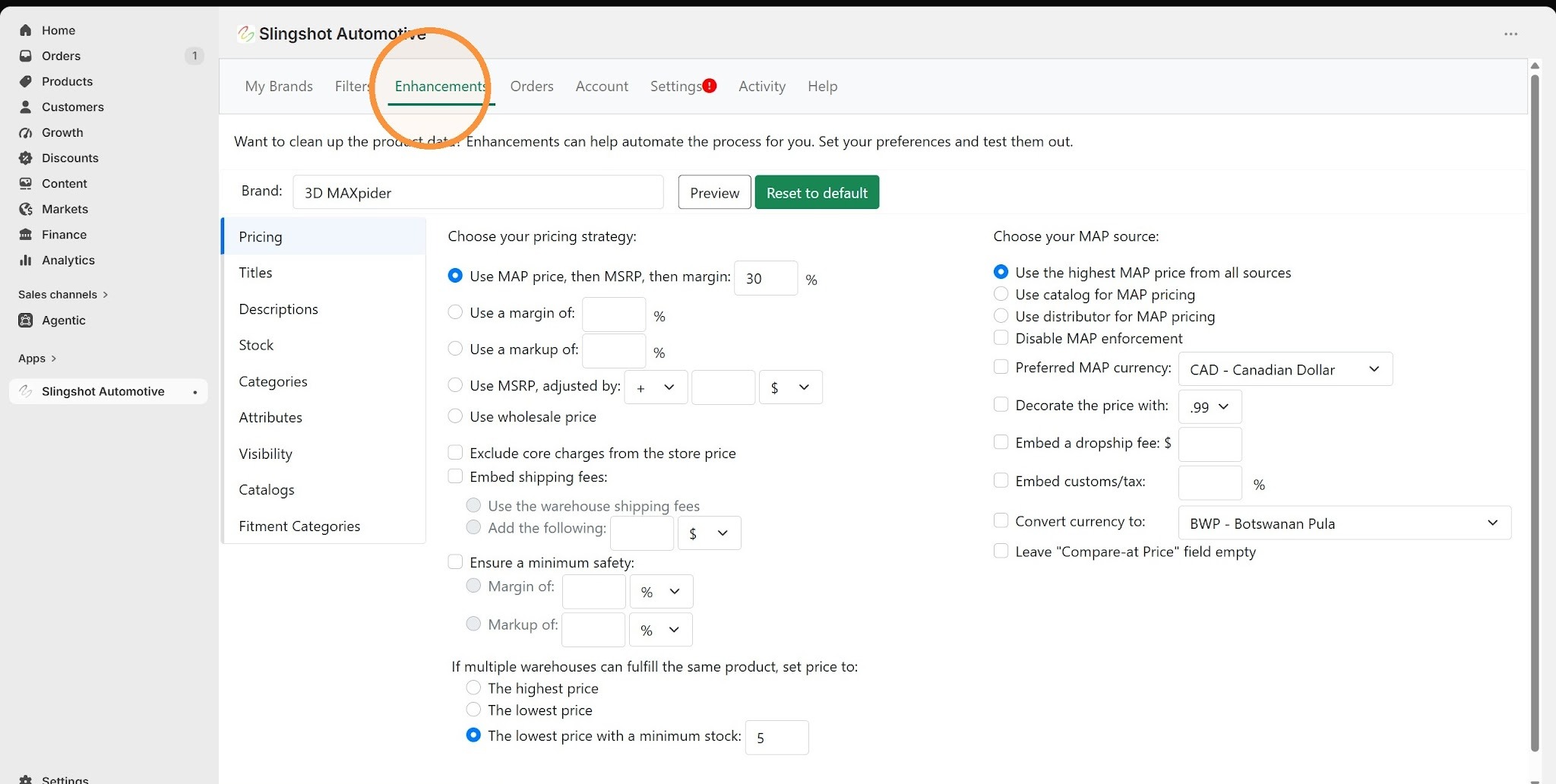
1. Navigate to the Enhancements tab.
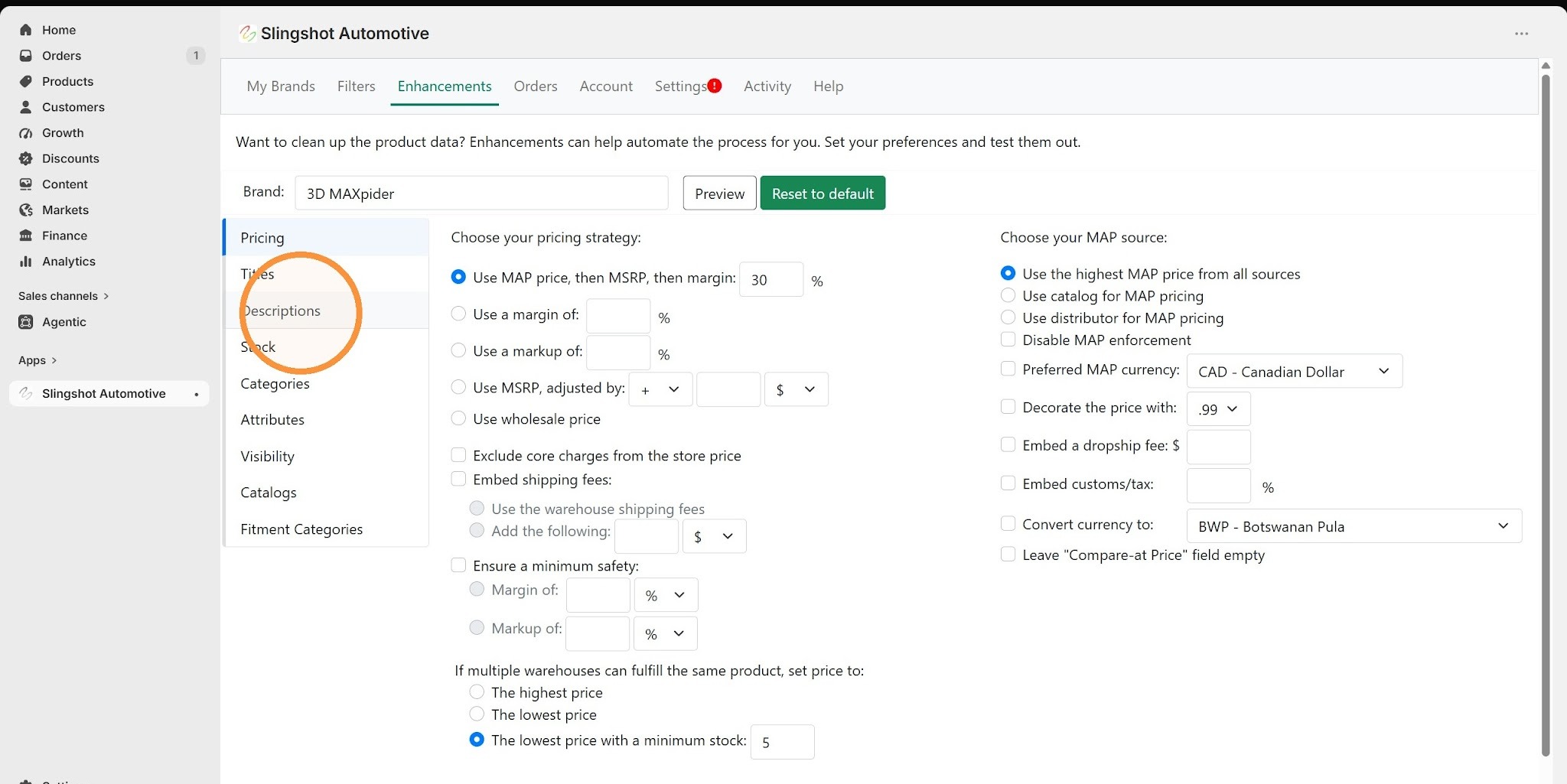
2. Select Descriptions from the sidebar menu.
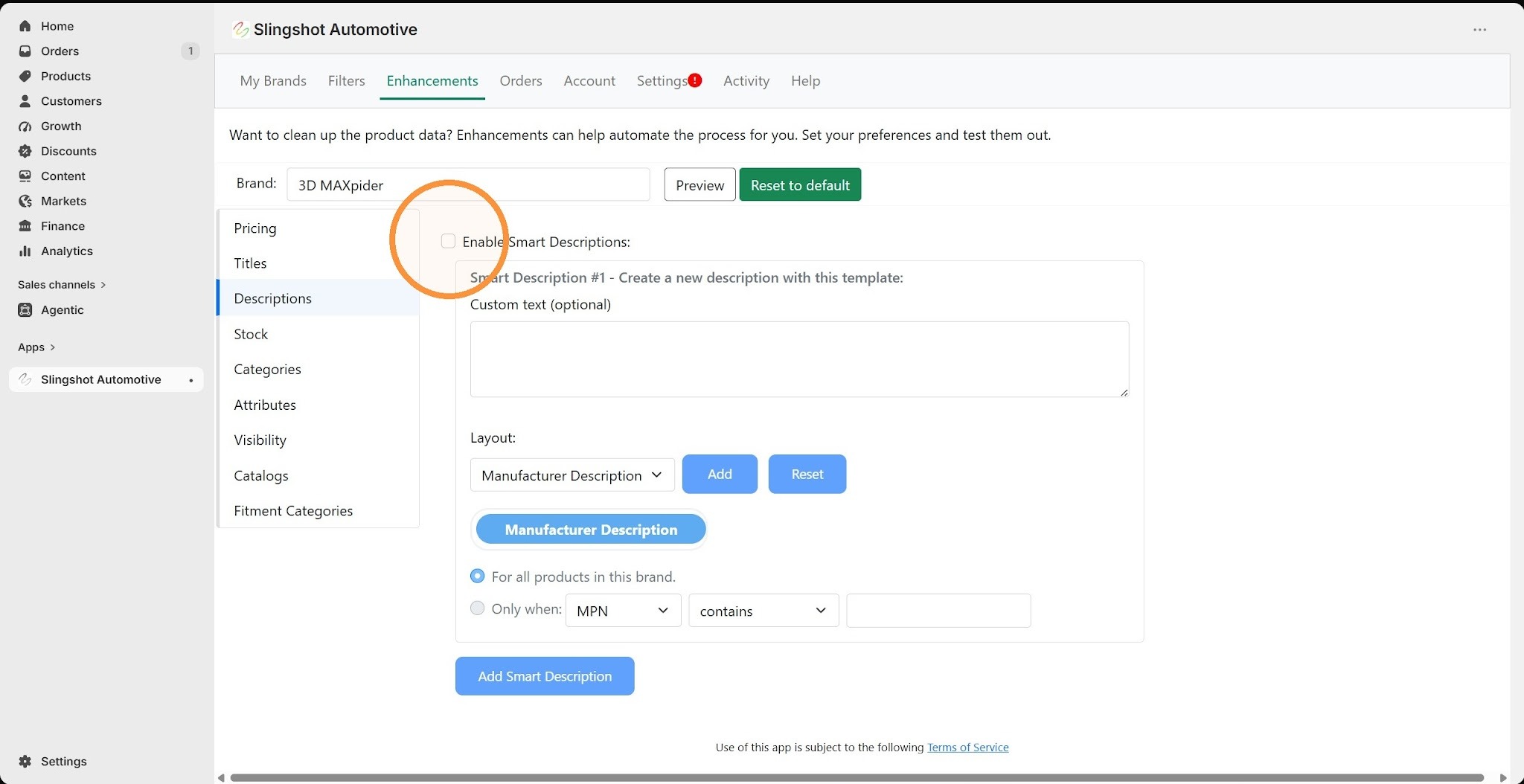
3. Enable the Smart Descriptions feature.
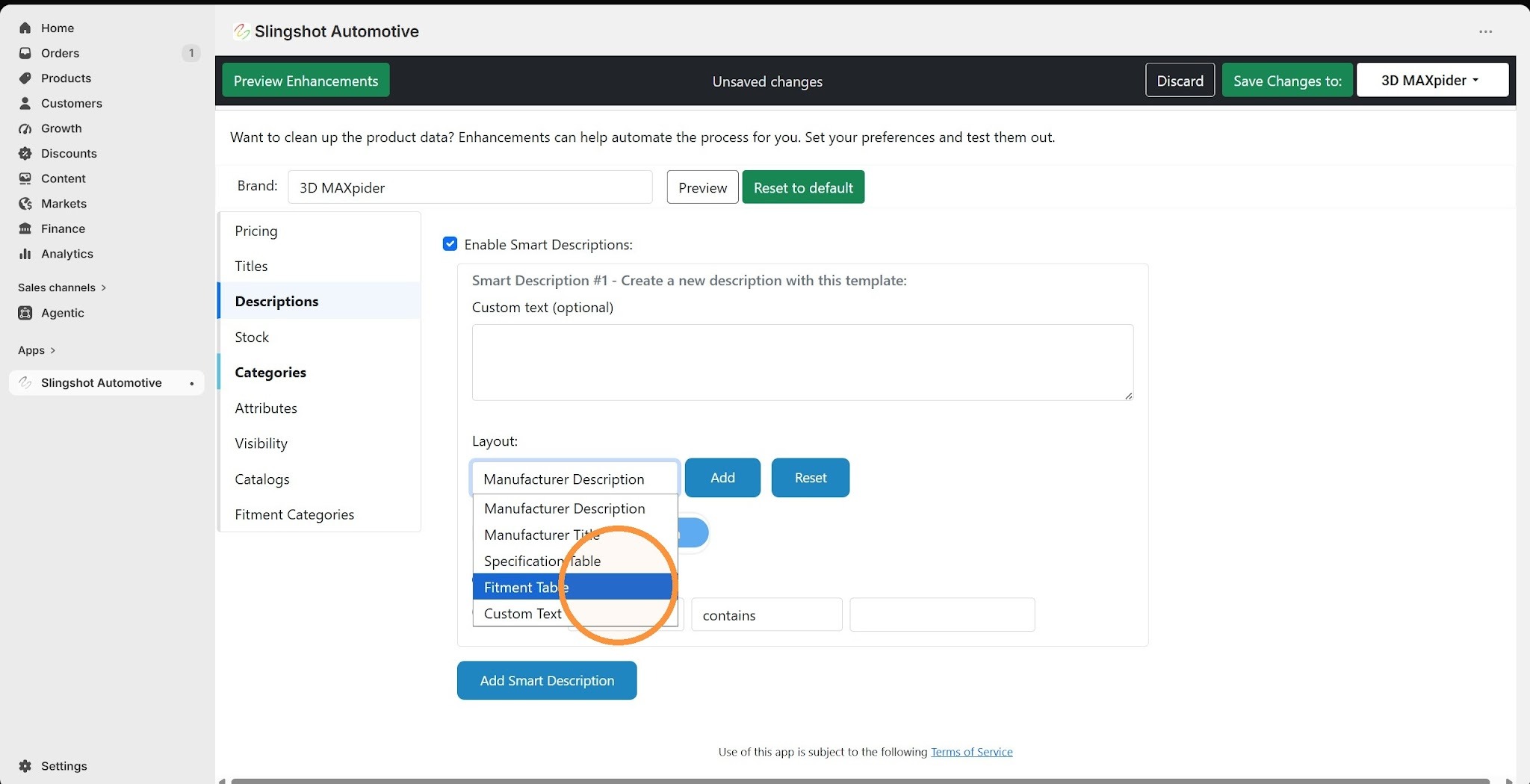
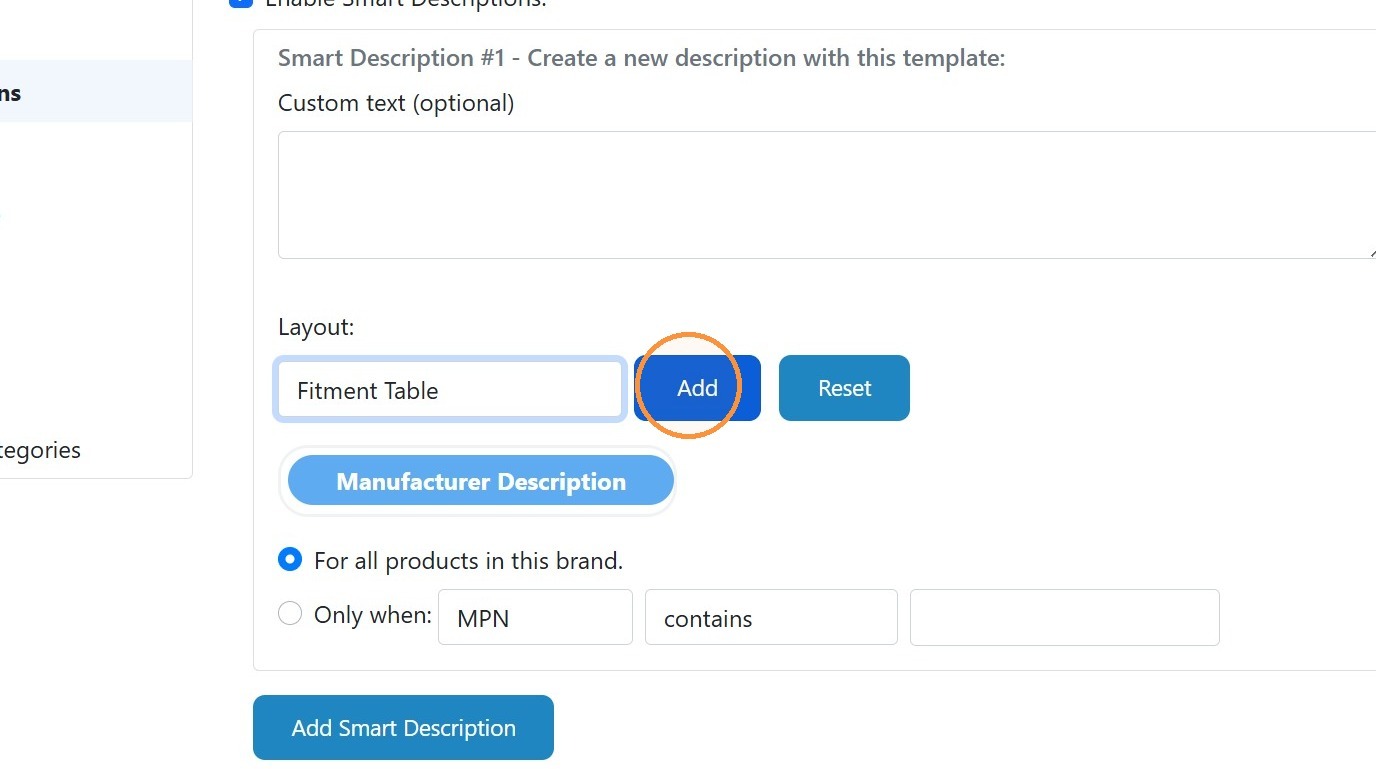
4. Select Fitment Table from the Layout dropdown menu.
5. Click Add to include the selected item in the layout.
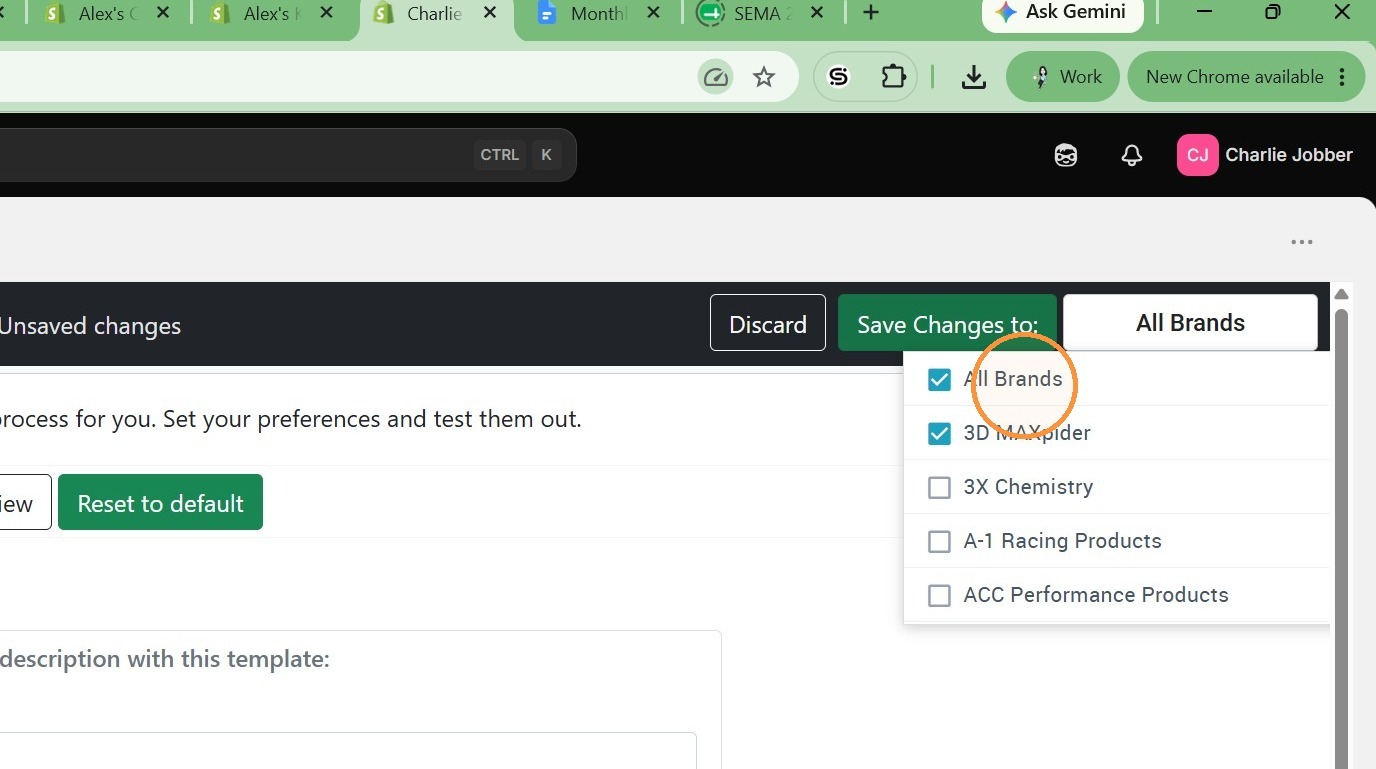
6. Either select the brands you want to add the tables to, or select "All Brands".
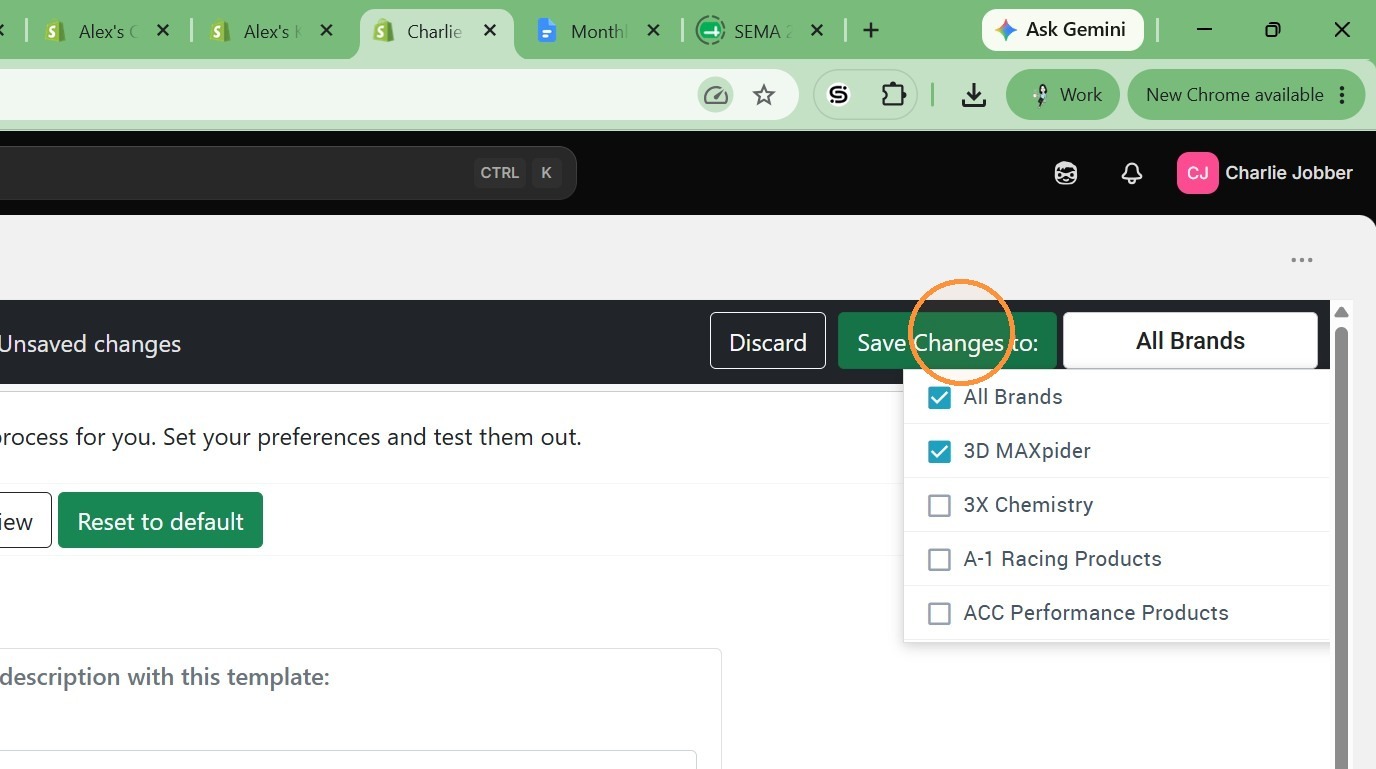
7. Click "Save Changes"
Was this article helpful?
That’s Great!
Thank you for your feedback
Sorry! We couldn't be helpful
Thank you for your feedback
Feedback sent
We appreciate your effort and will try to fix the article