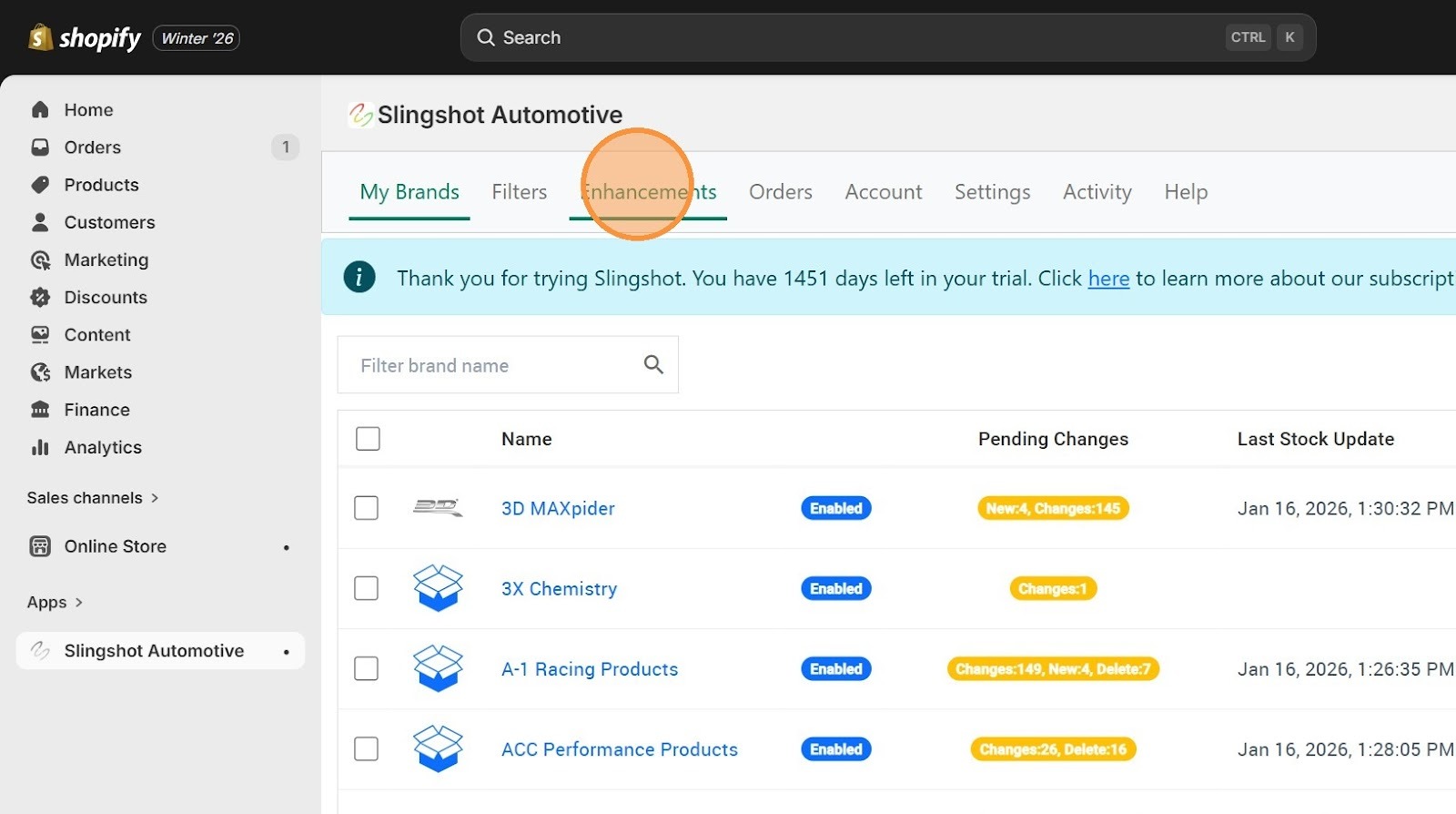
1. Click "Enhancements"
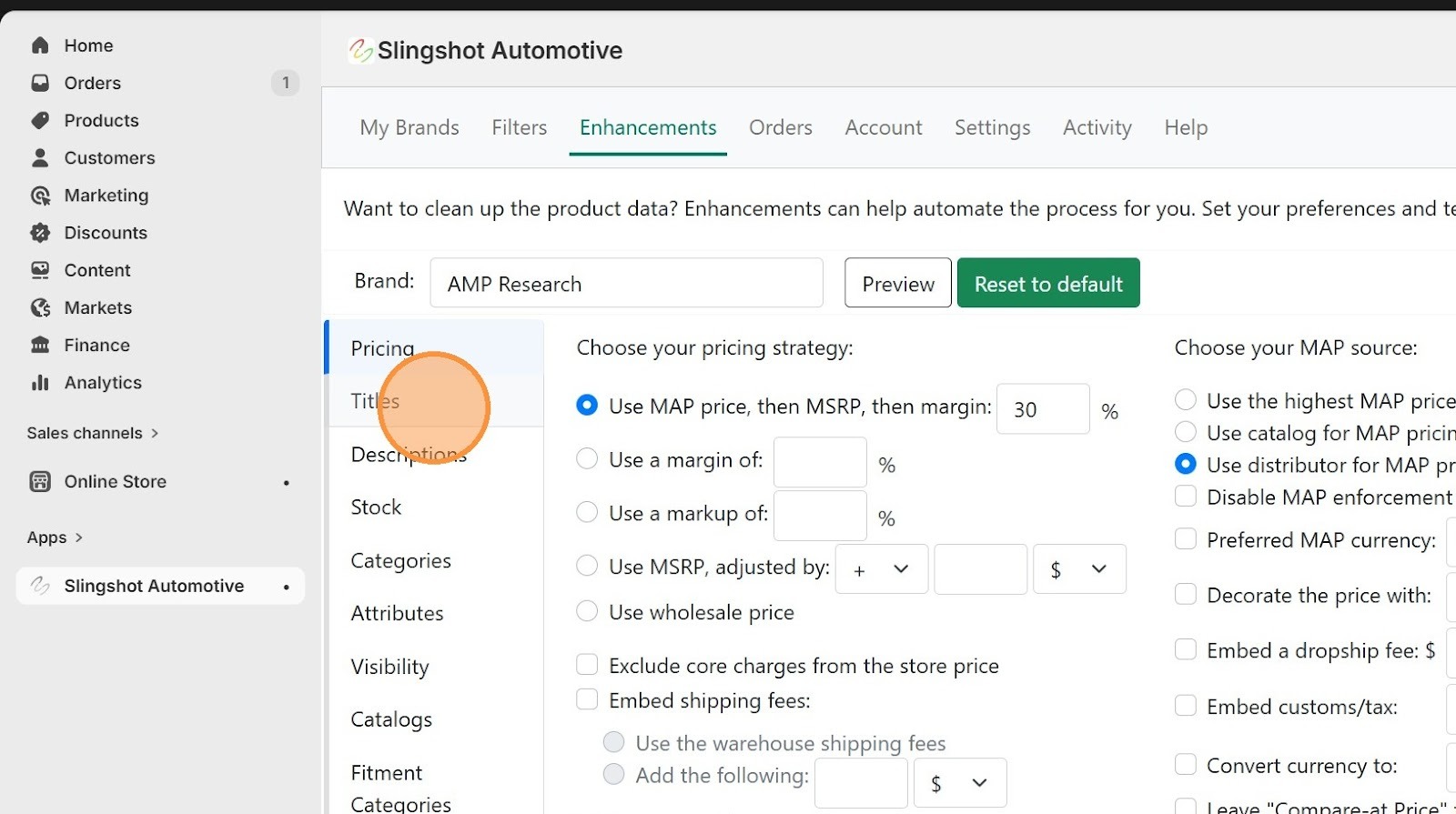
2. Click "Titles"
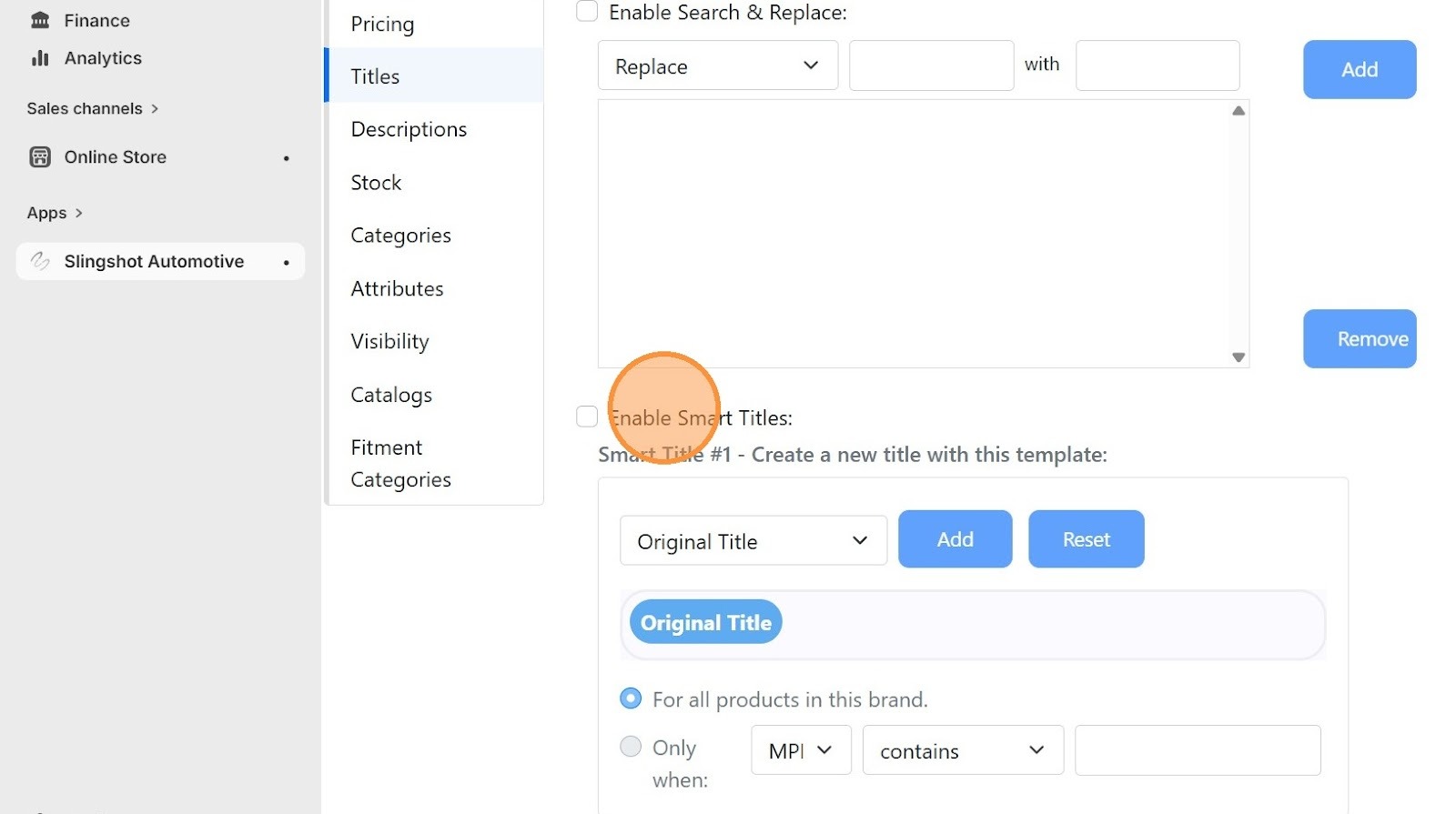
3. Click "Enable Smart Titles:"
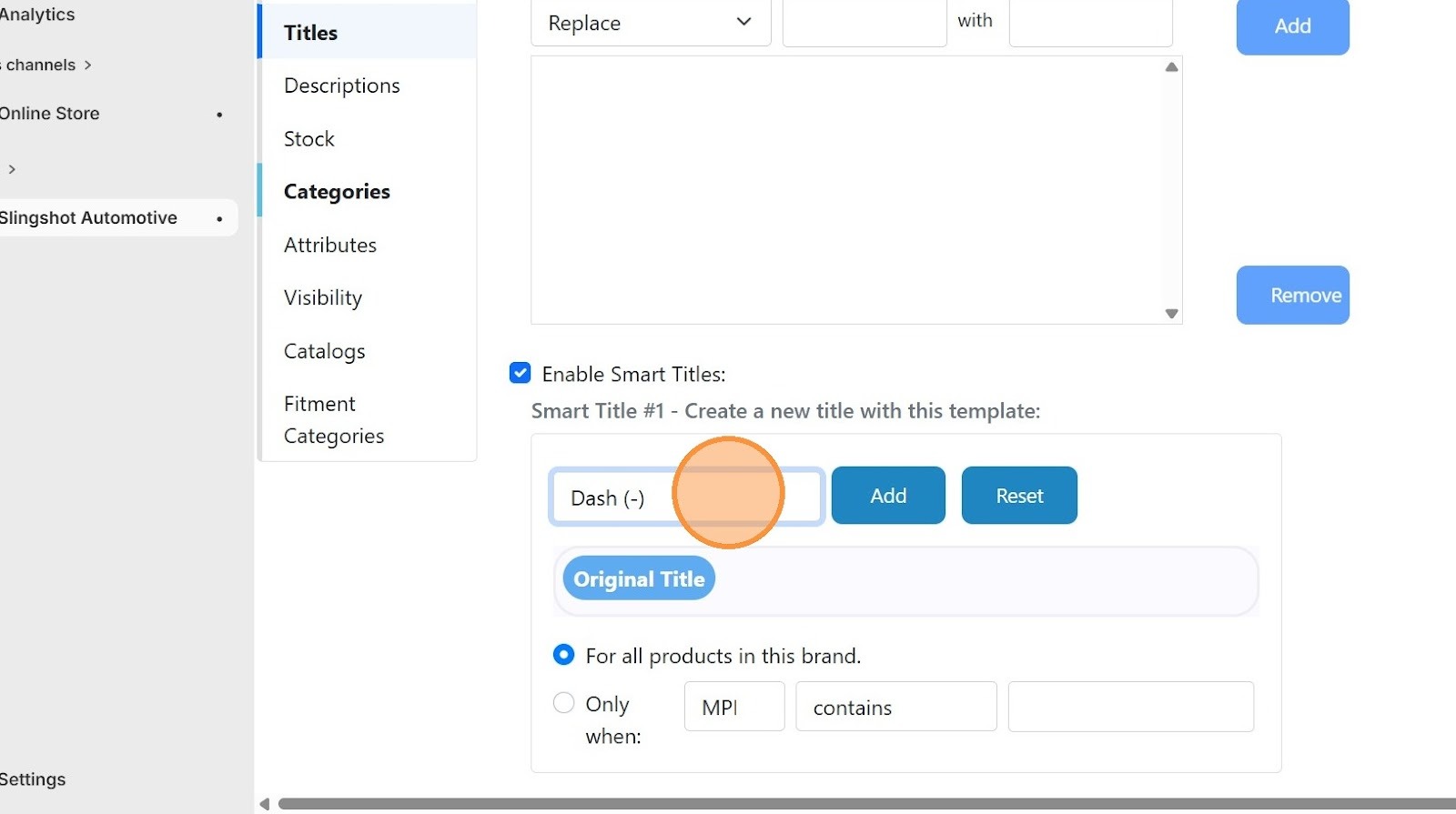
4. Option to select the "Dash (-)" option.
5. Click "Add"
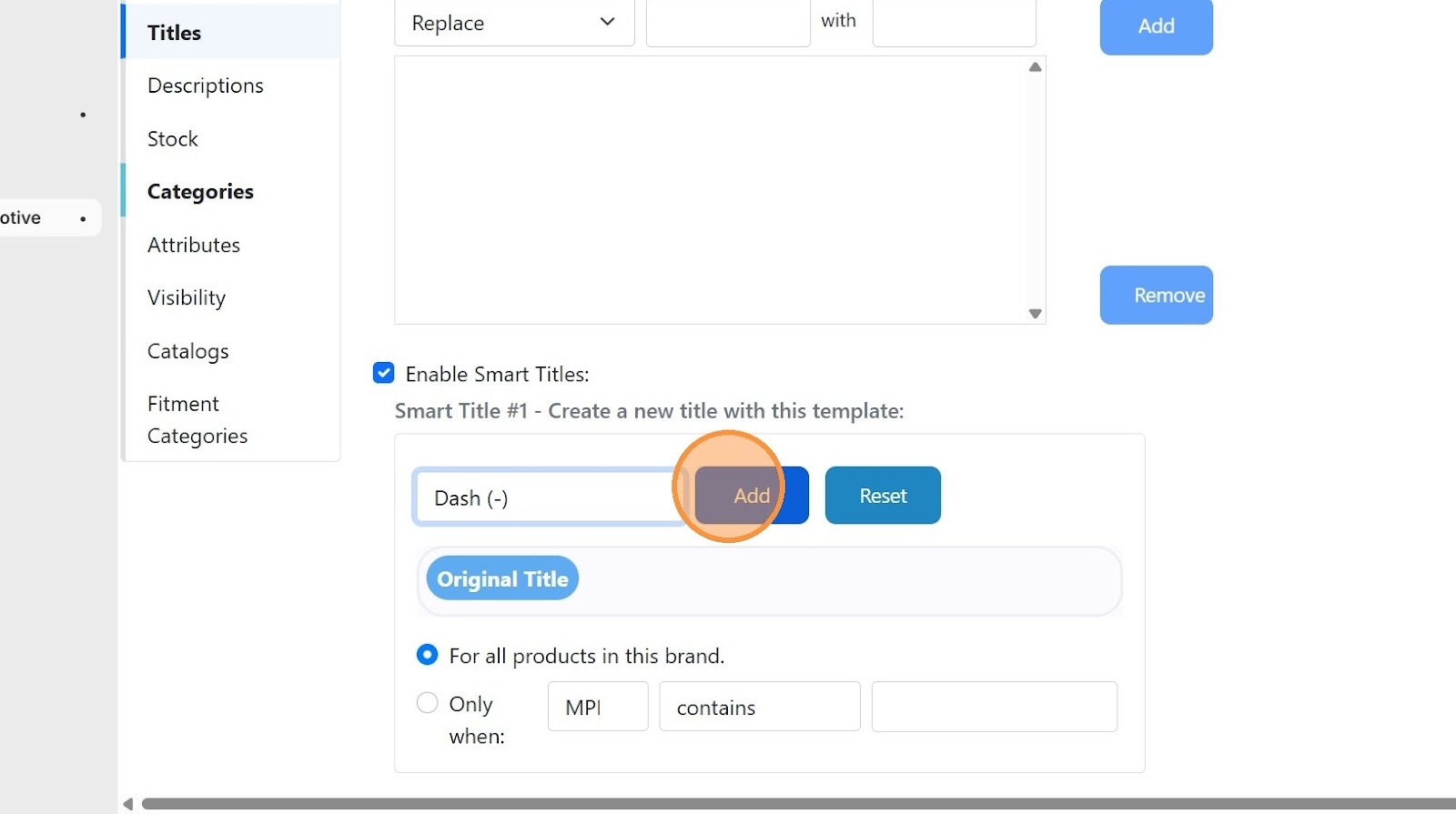
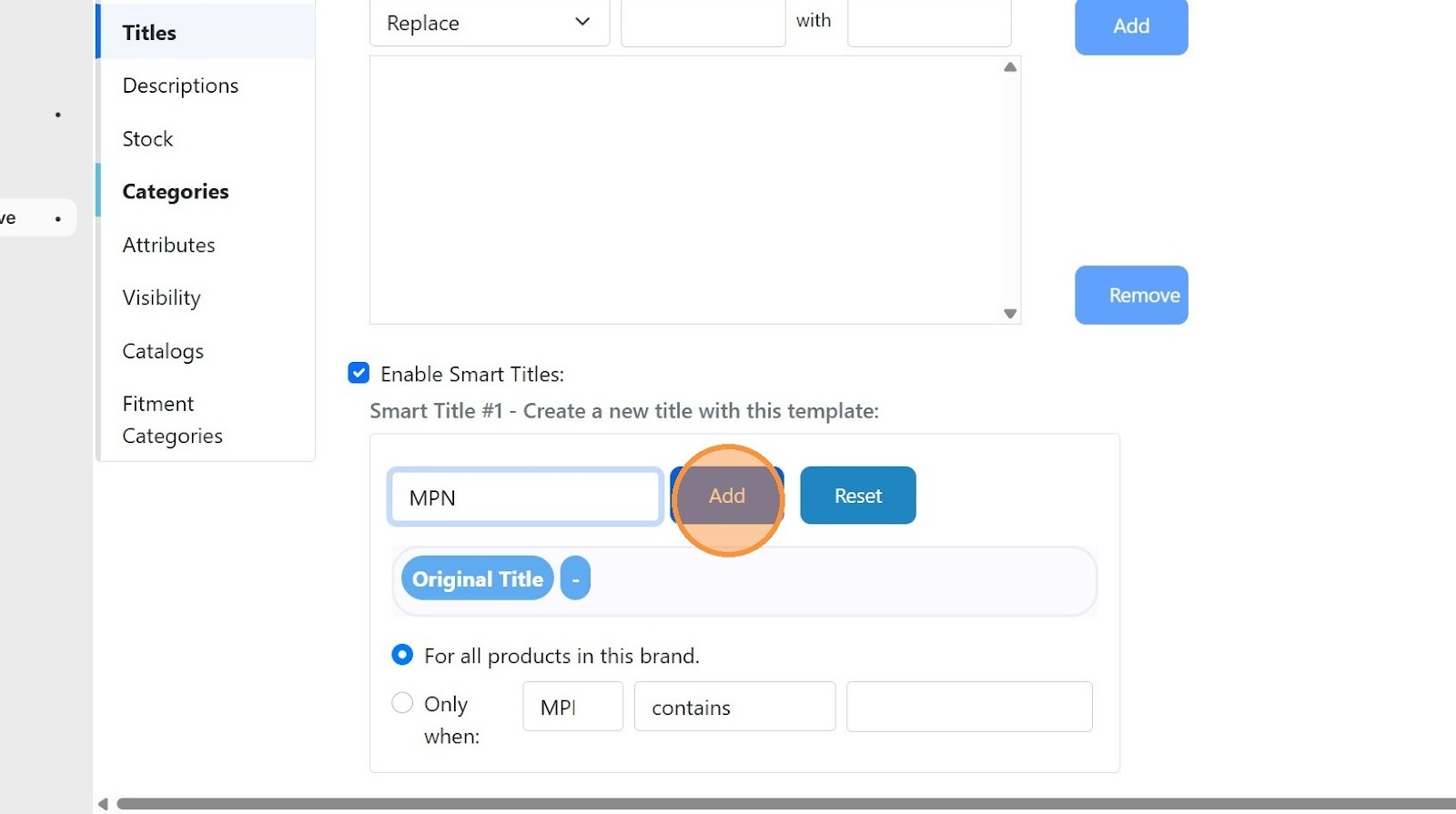
6. Select the "MPN" option.
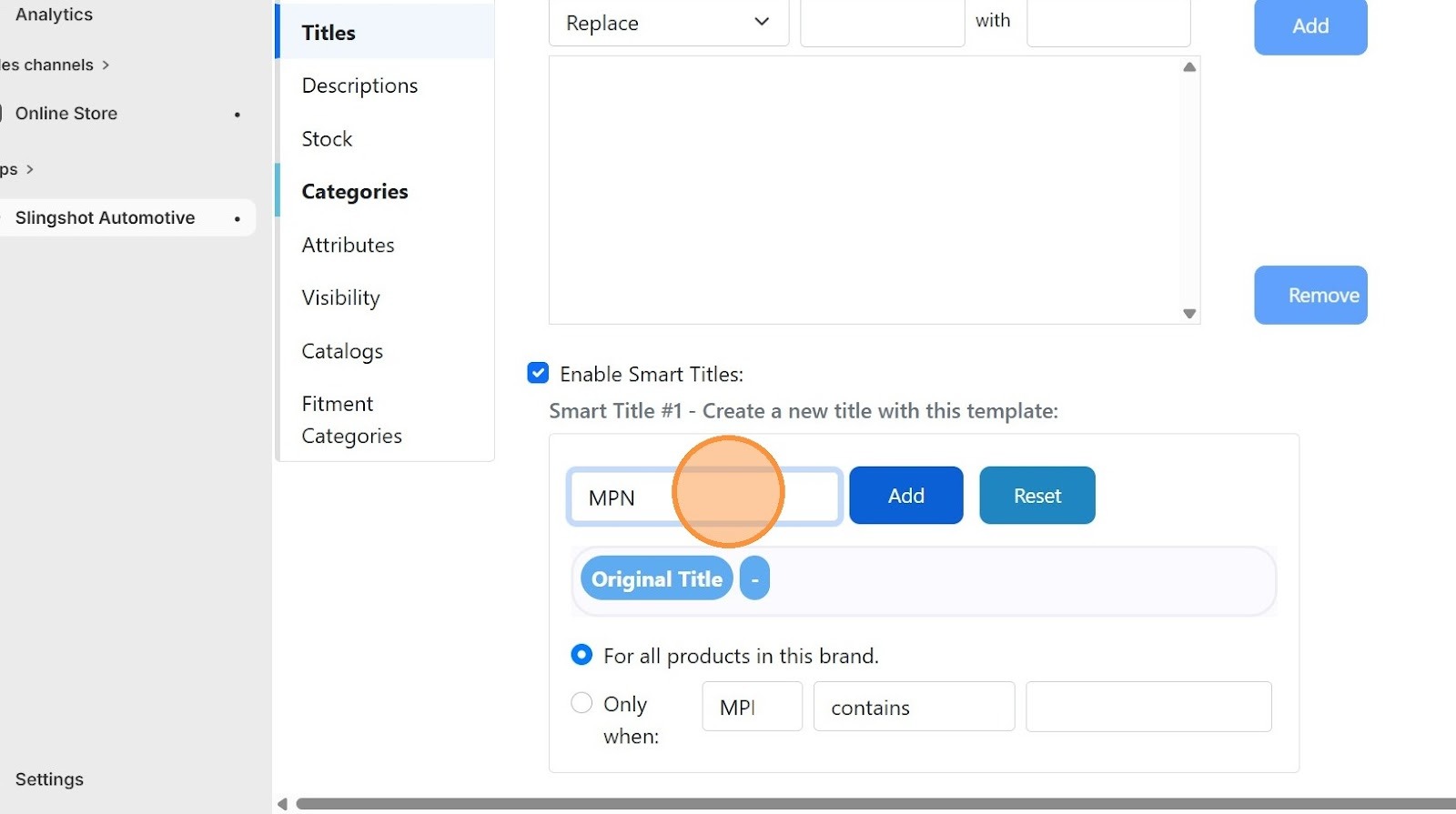
7. Click "Add"
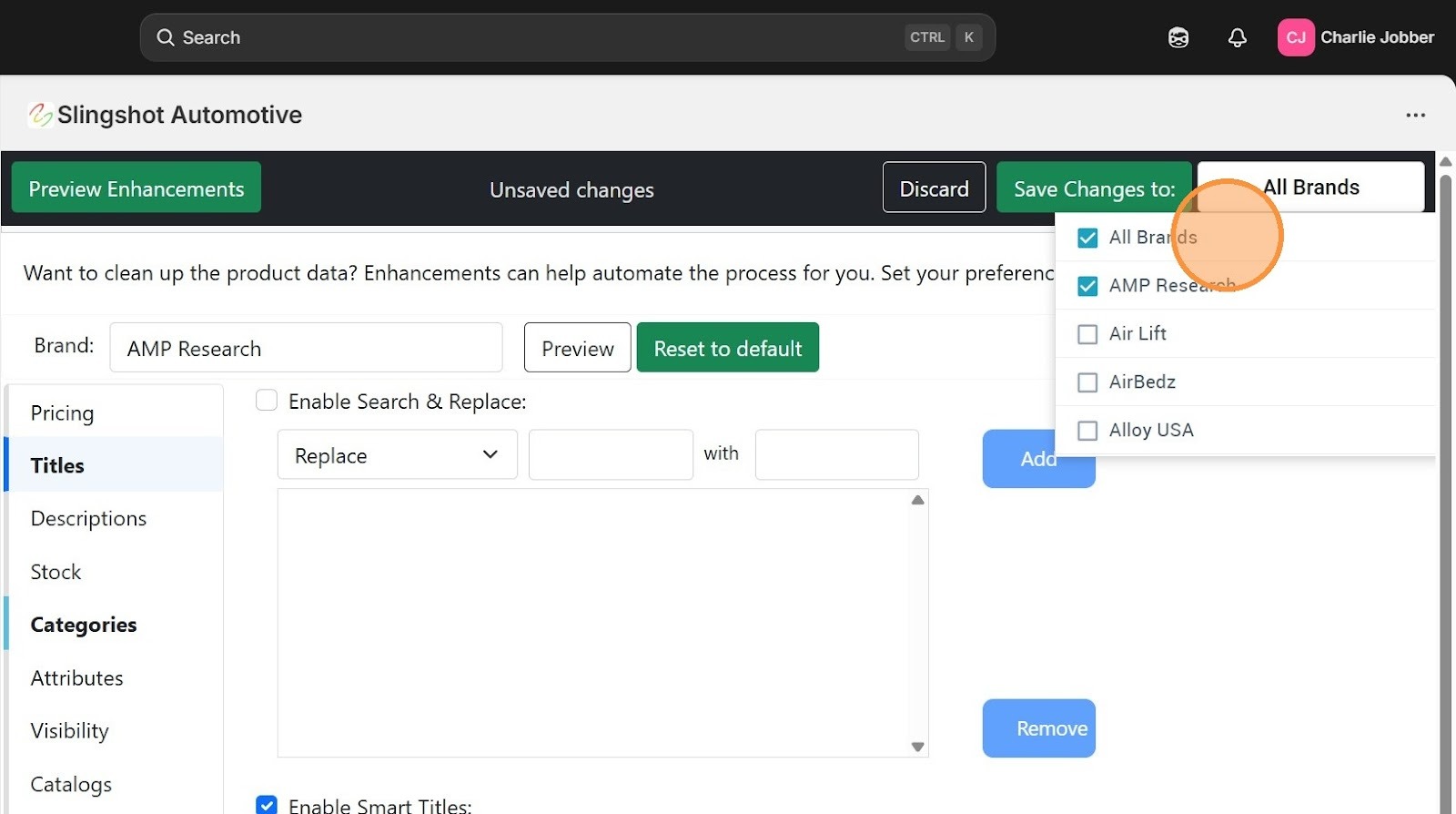
8. Click into the brands drop down menu
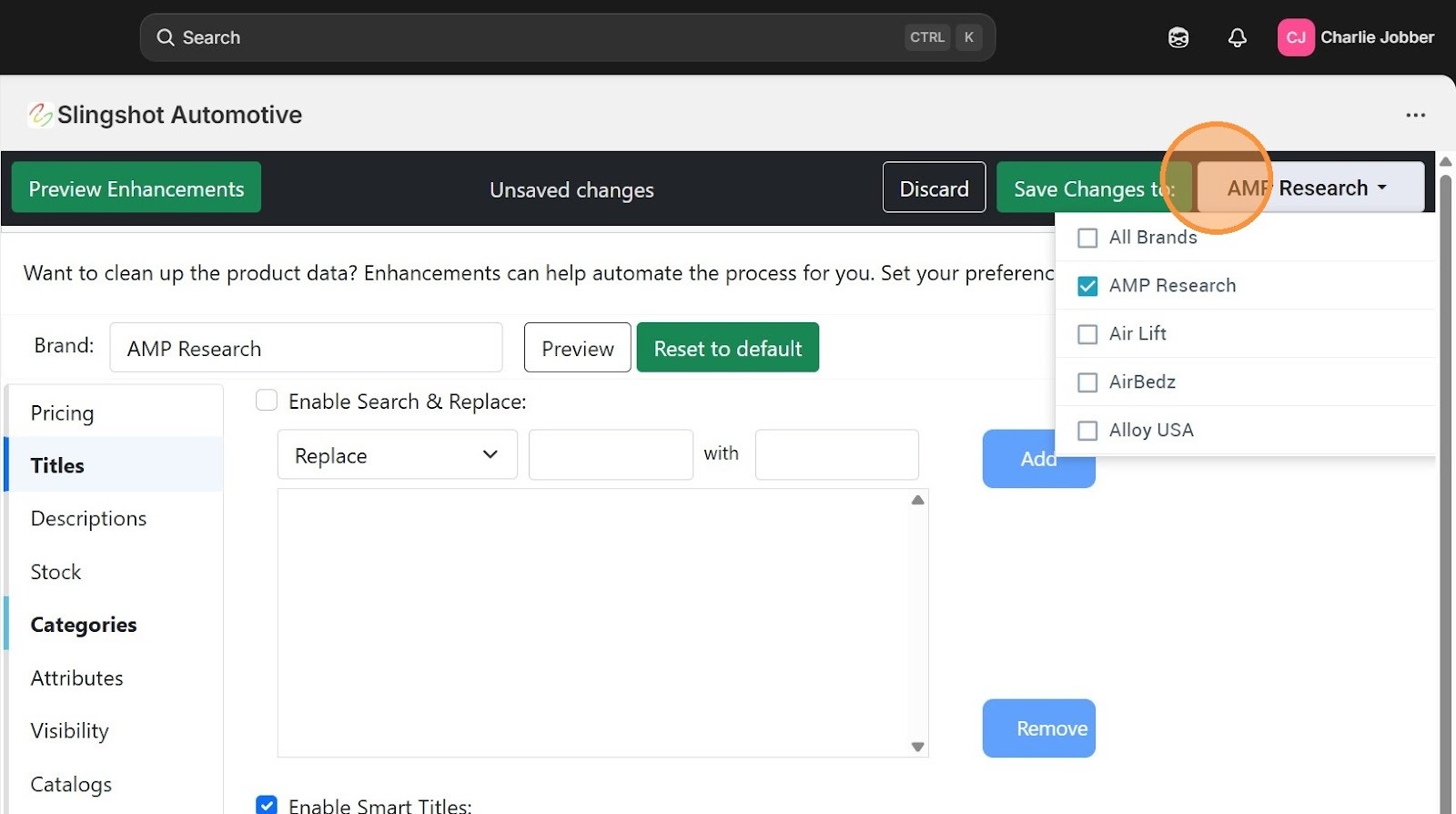
9. Click "All Brands"
Was this article helpful?
That’s Great!
Thank you for your feedback
Sorry! We couldn't be helpful
Thank you for your feedback
Feedback sent
We appreciate your effort and will try to fix the article