Navigation:
Do you know how to login to your new store? Here’s how
Enter your login information
This should take you to a screen that looks like this:
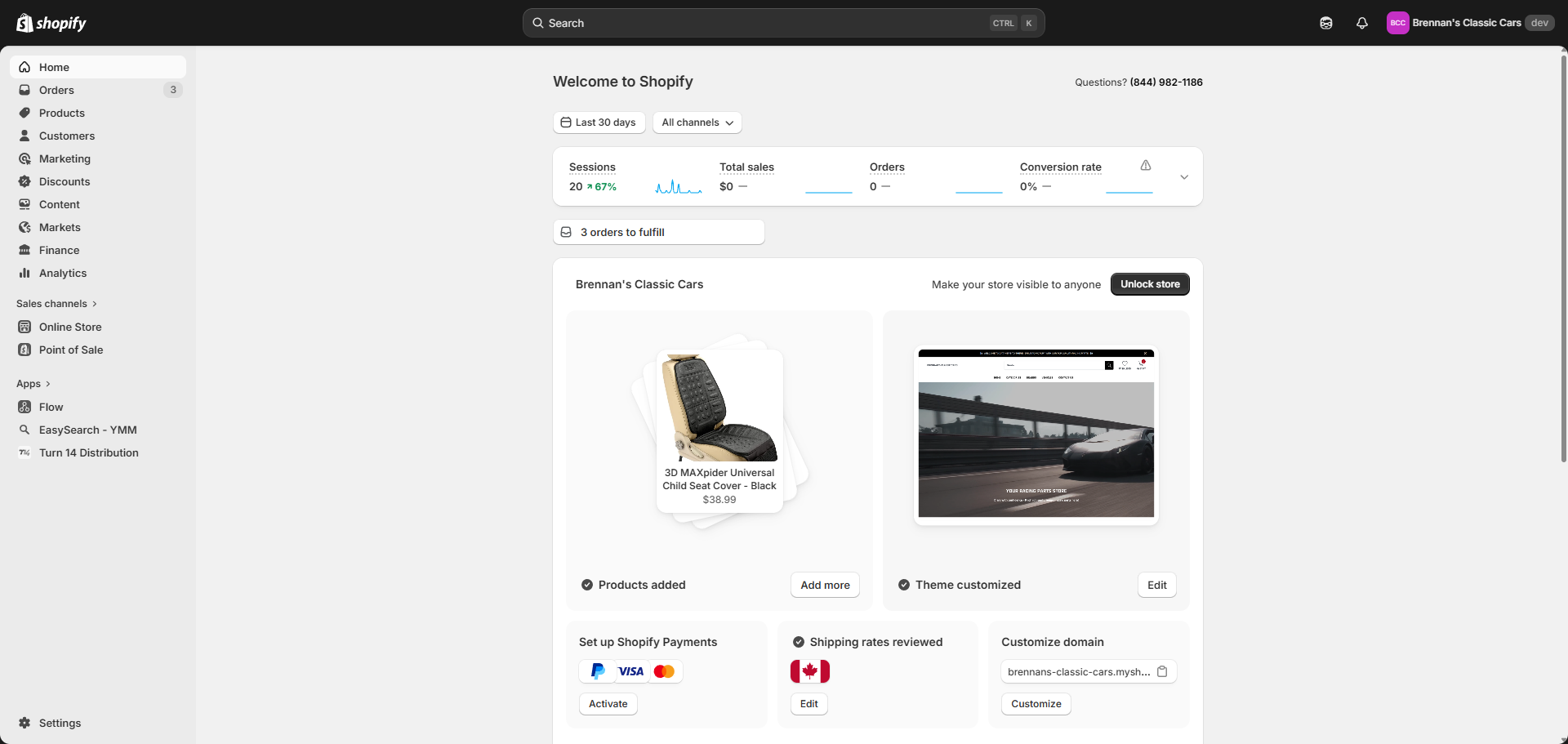
Click “Online Store” if you want to get right to editing the storefront.
You may also need to get into our app to check why products are or aren’t loading the way you would expect.
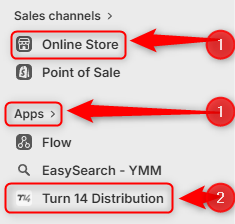
Let’s take a look. Click on either “Apps” and then Slingshot automotive/Turn14, or “Online Store” to get editing
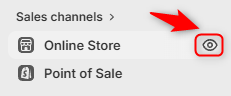
Click the eye to view the store:
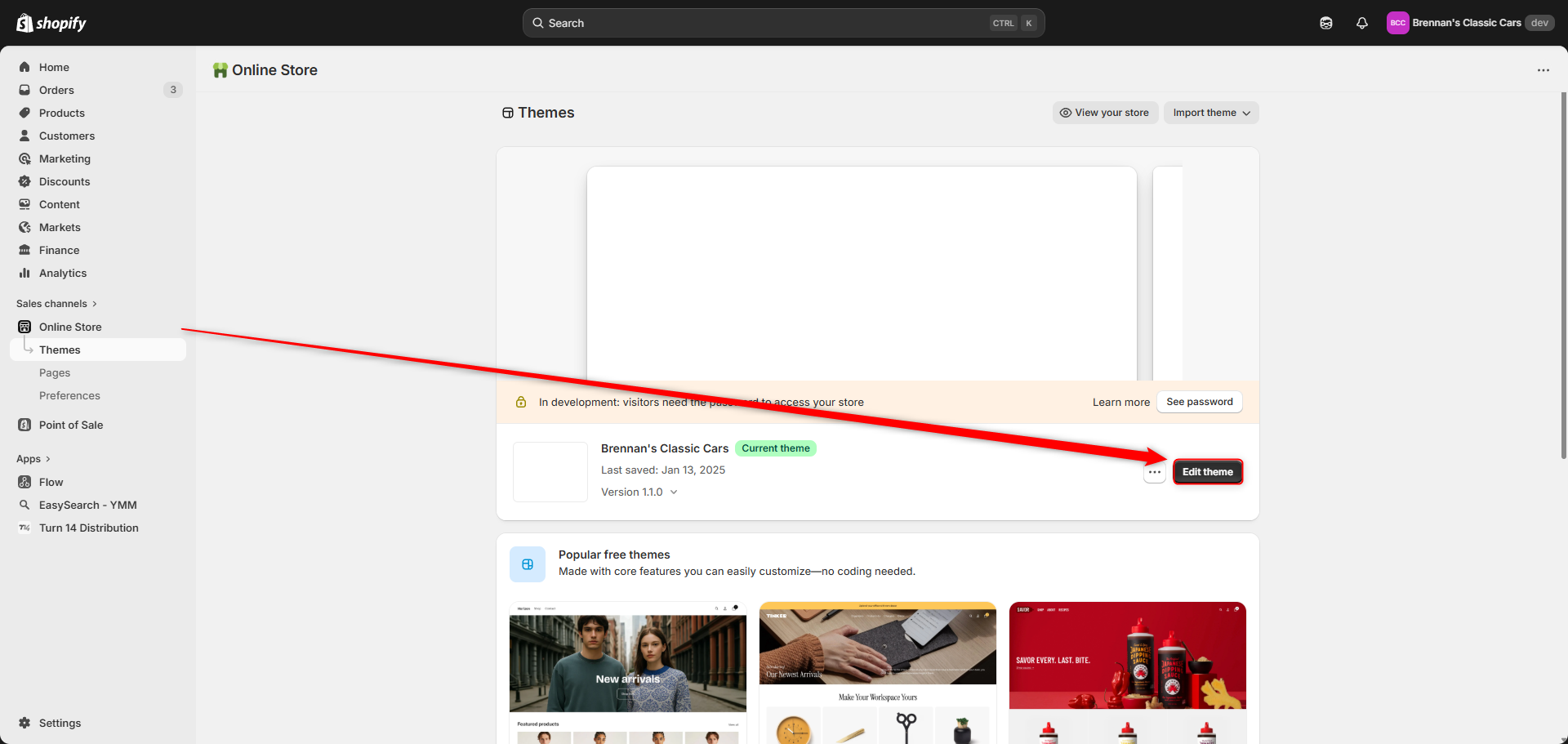
Or click the “Edit Theme” button to get into the theme to edit or add to it:
Note, you can also get into edit mode by adding /admin after the url in the search bar at the top, when you are in view mode.
Was this article helpful?
That’s Great!
Thank you for your feedback
Sorry! We couldn't be helpful
Thank you for your feedback
Feedback sent
We appreciate your effort and will try to fix the article