Currently Grandwest doesn't require a test order, we simply place a live order and notify Grandwest to watch to make sure it is successful. You will need to request you Grandwest order and tracking access token and secret from slingshot@grandwestauto.com. Please email support@dataheretothere.com and slingshot@grandwestauto.com when you place the first order. Please note a phone number is required on each order so we suggest making it mandatory in your Shopify checkout settings.
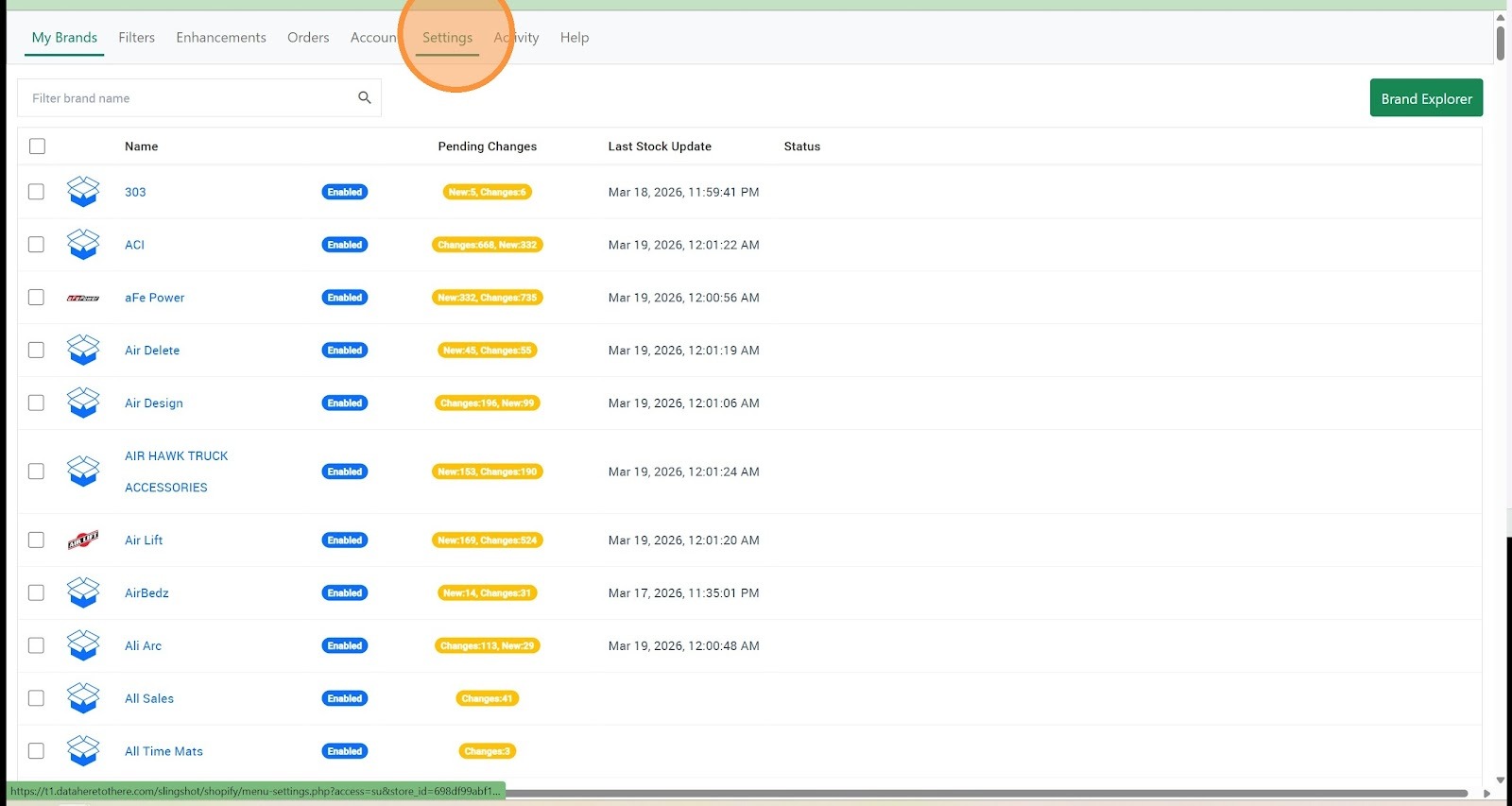
1. Click "Settings"
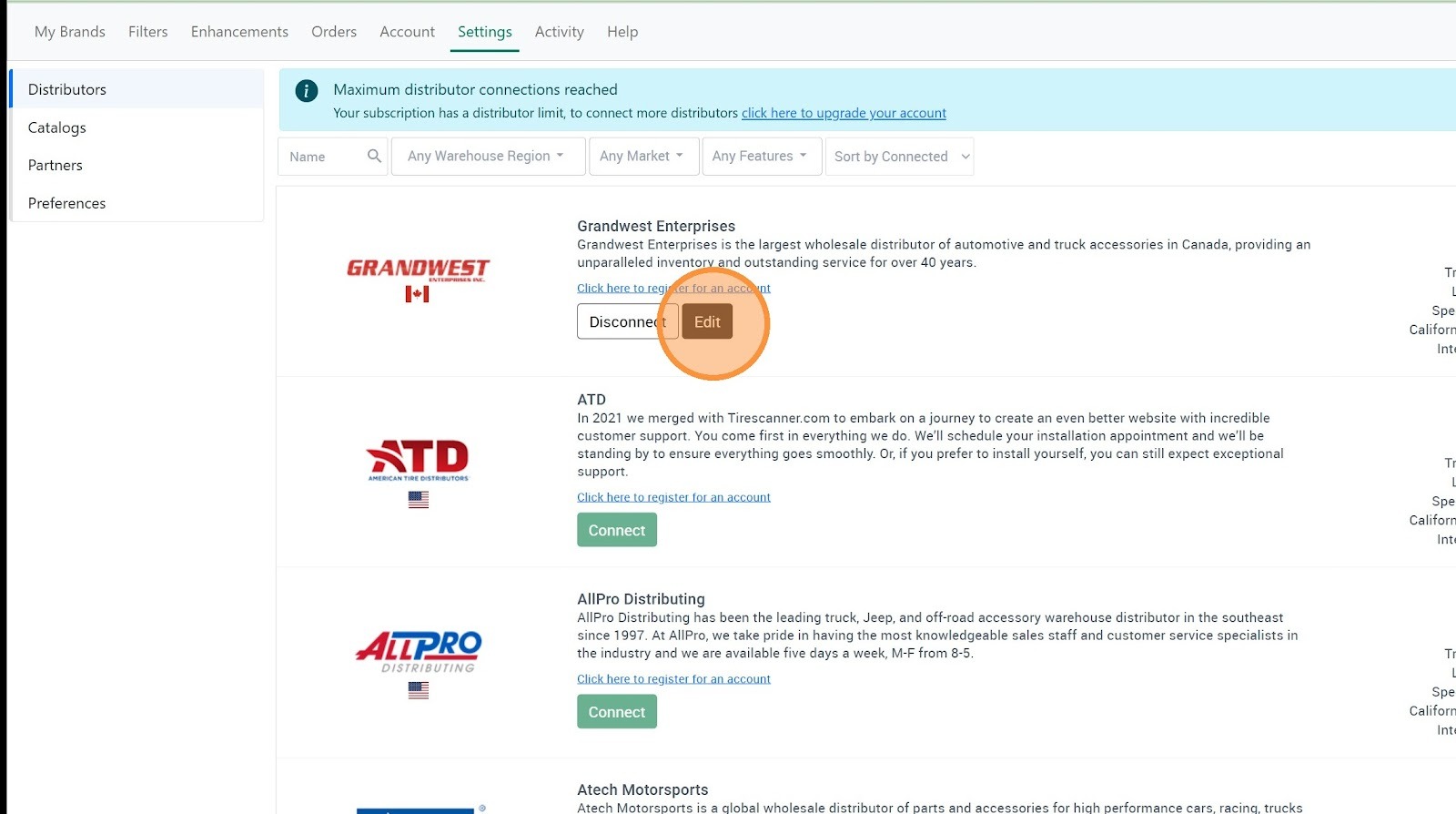
2. Click "Edit" on the Grandwest connection
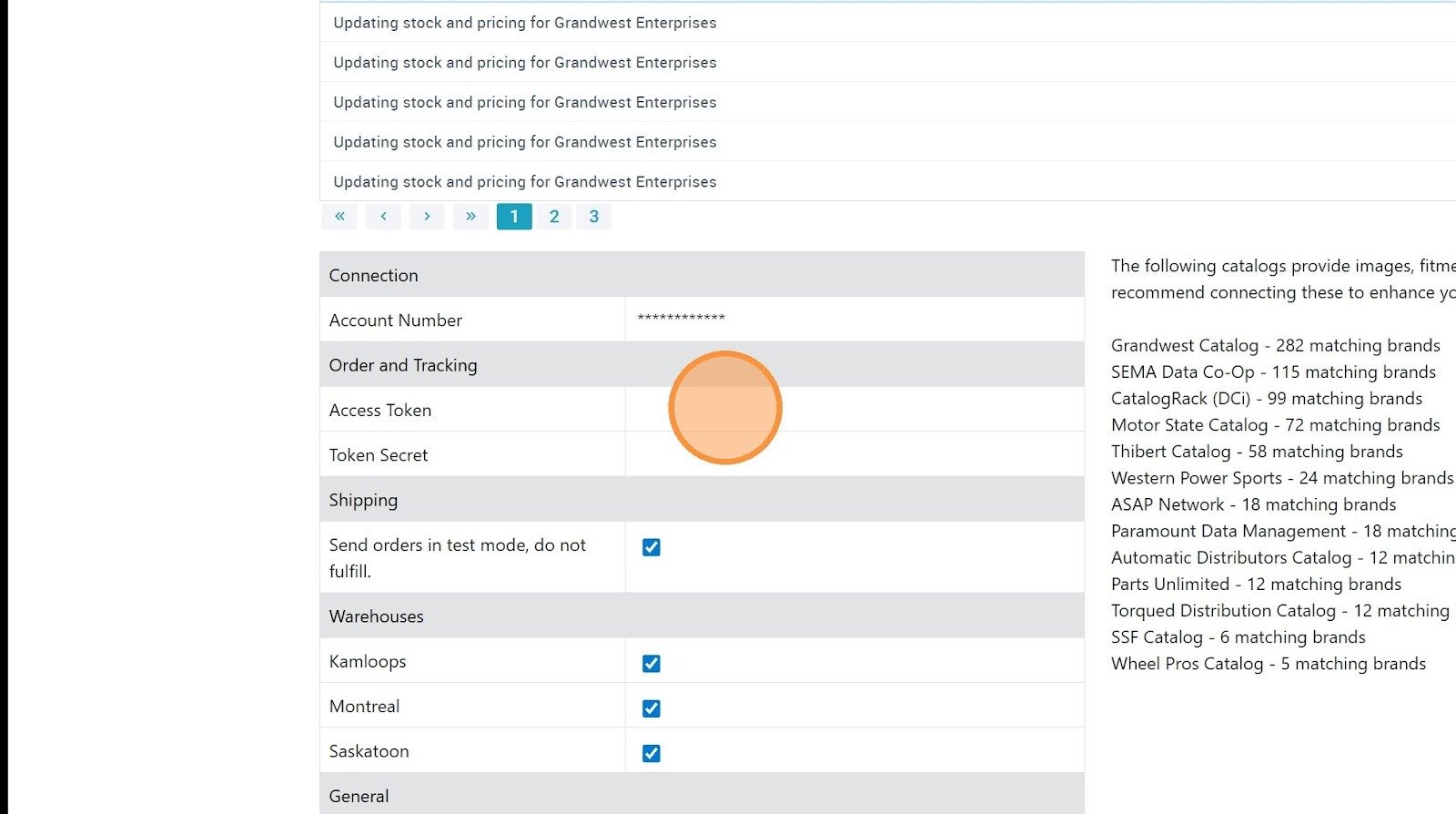
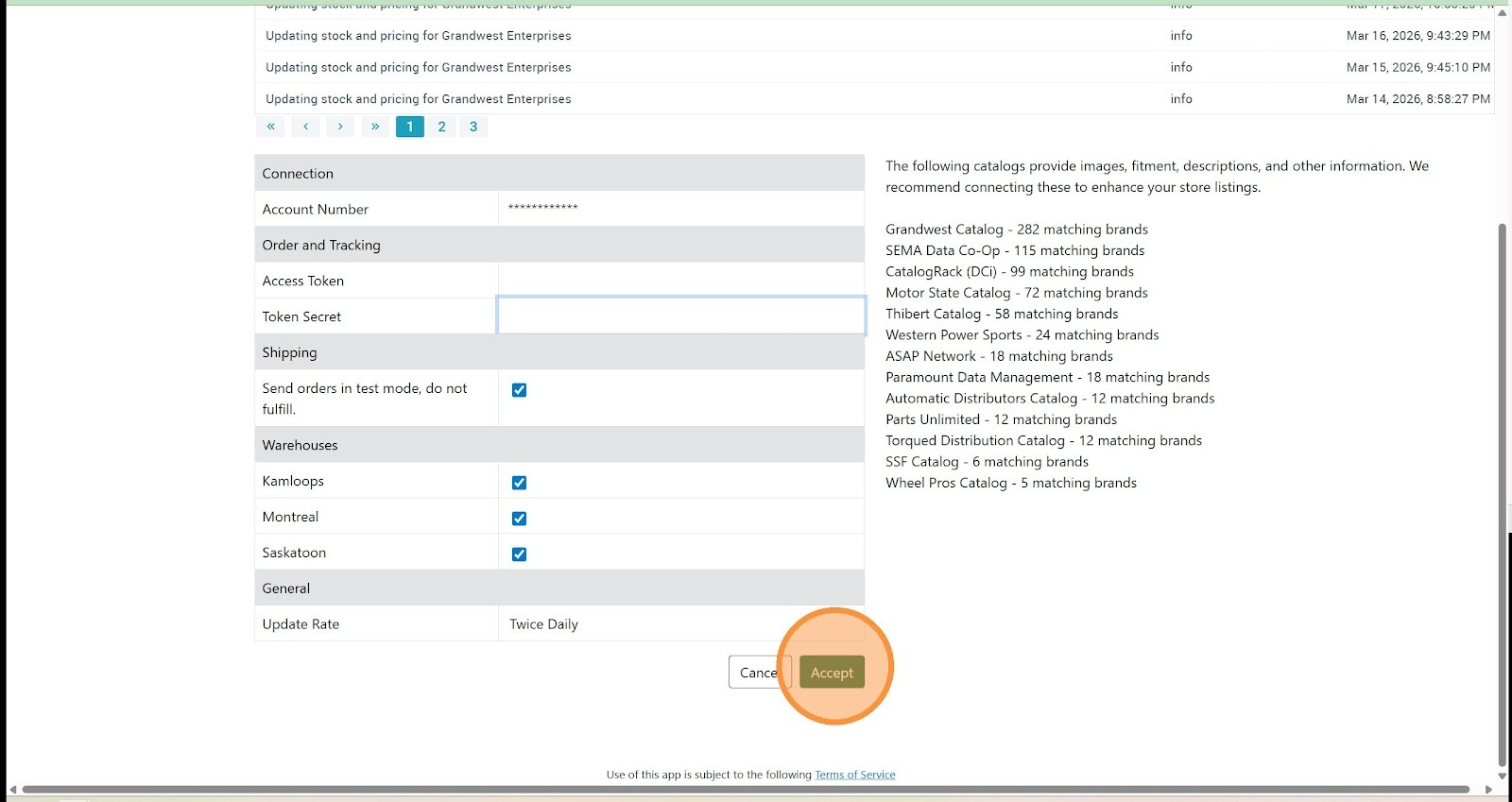
3. Enter your Grandwest order and tracking "Access Token"
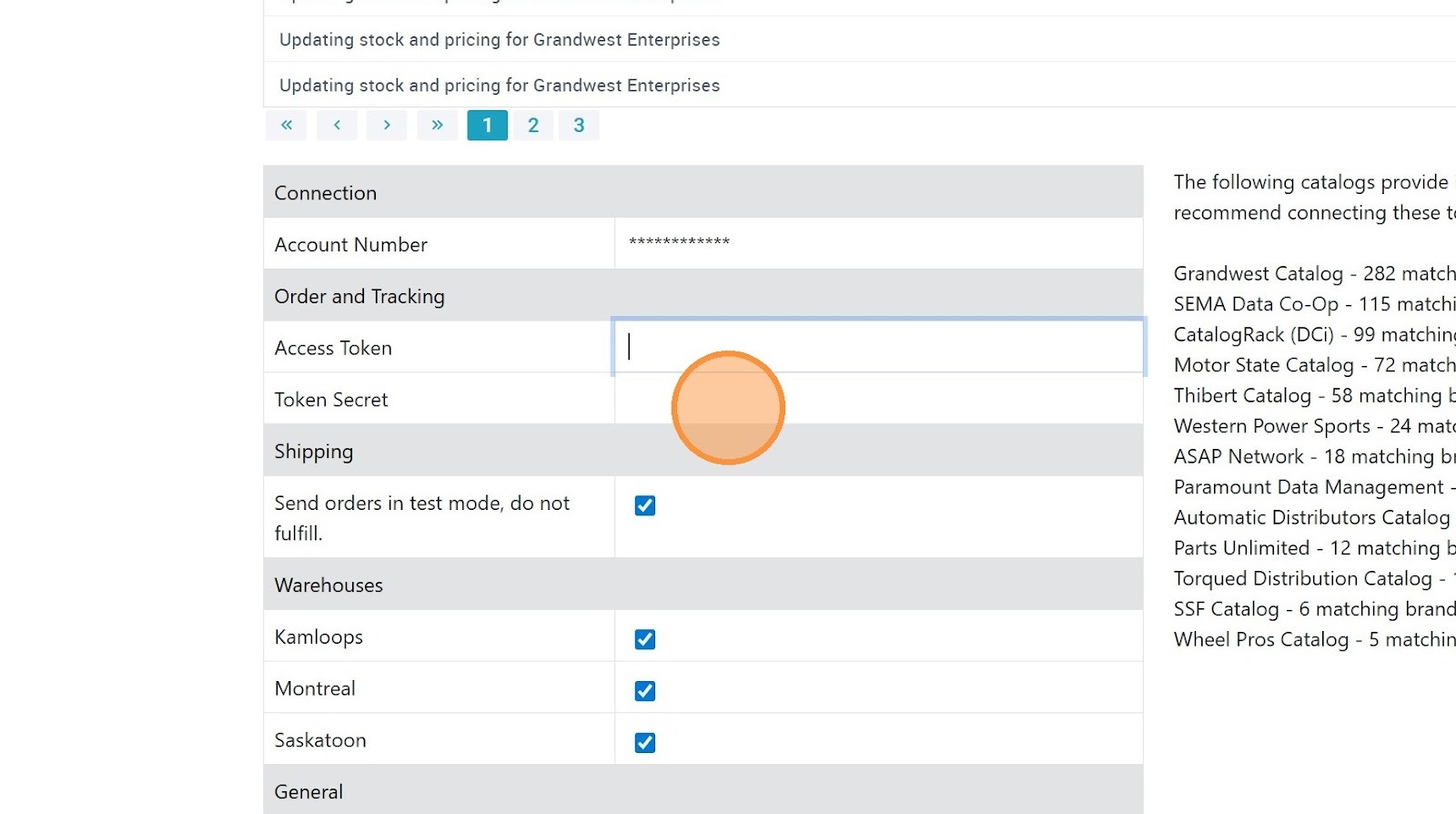
4. Enter your Grandwest order and tracking "Token Secret"
5. Click "Accept"
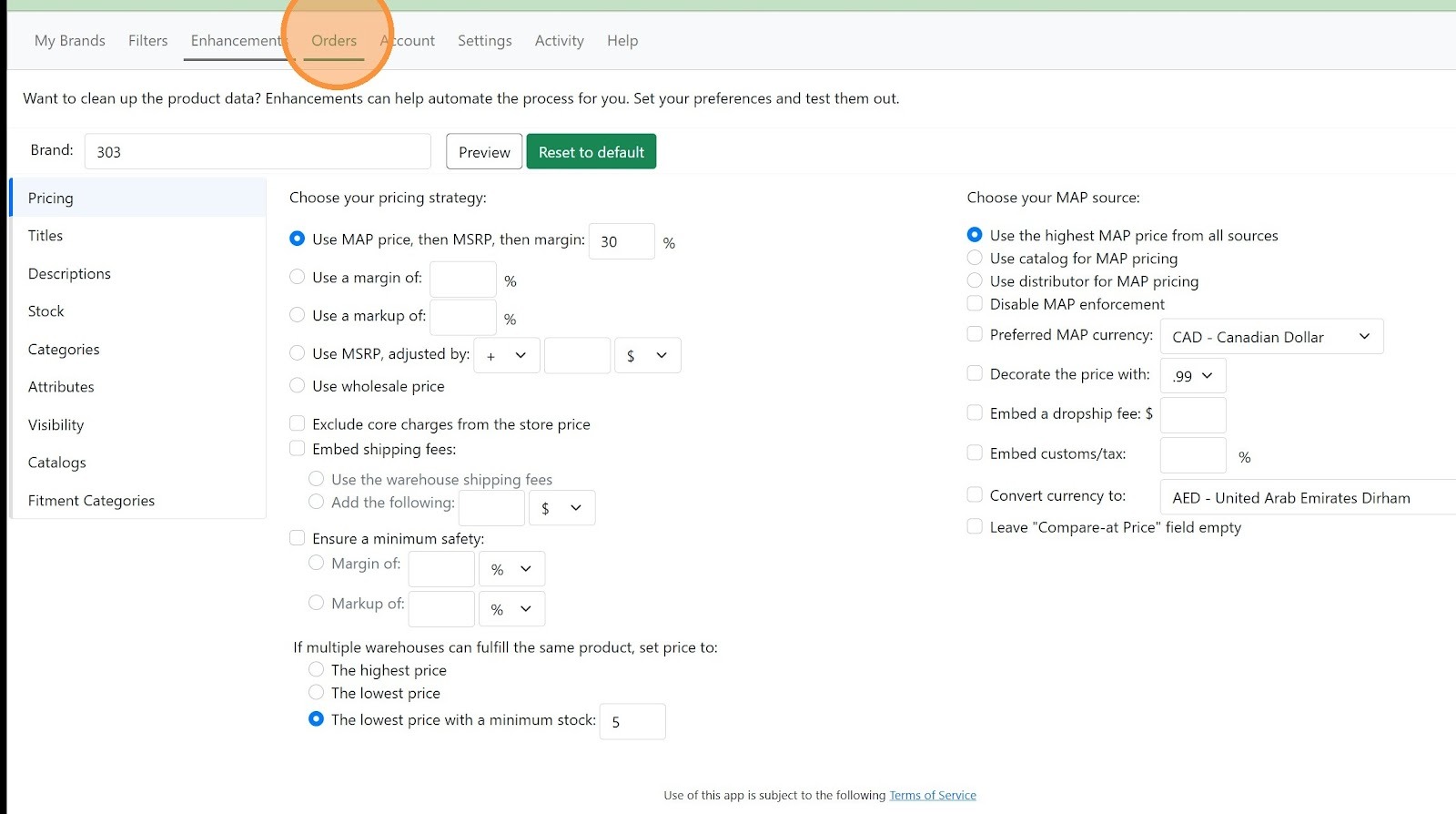
6. Click "Orders"
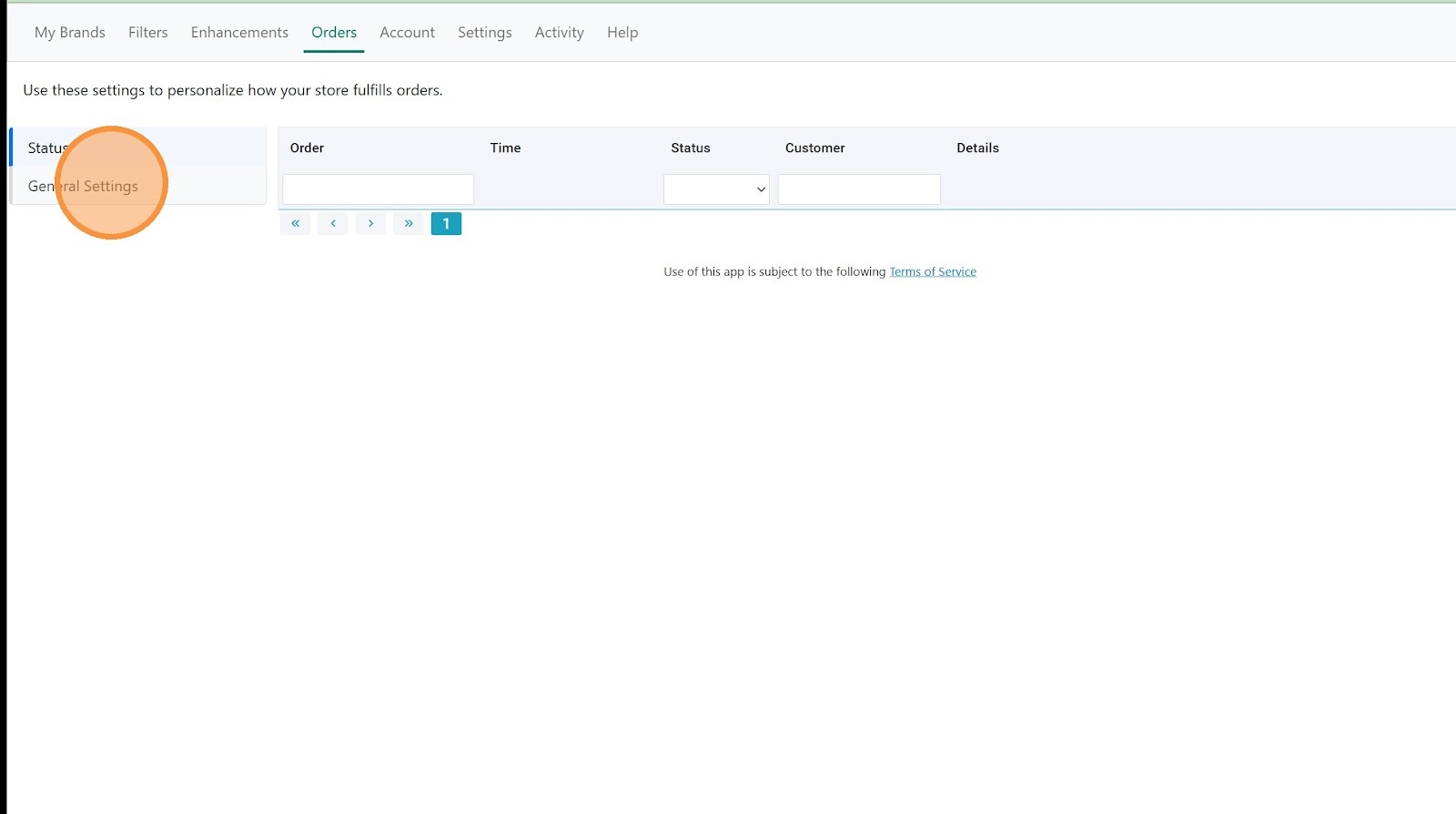
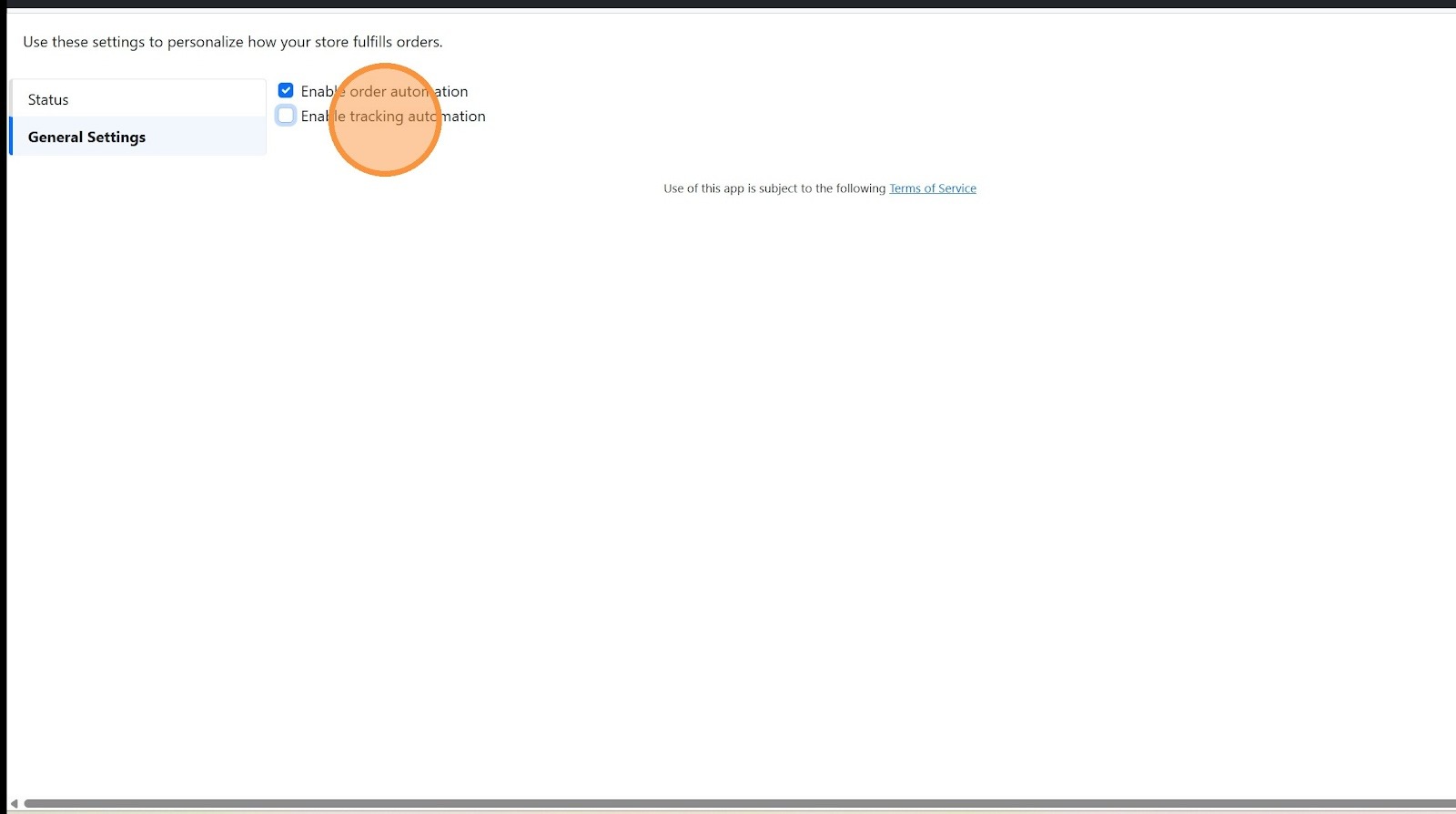
7. Click "General Settings"
8. Click "Enable order automation"
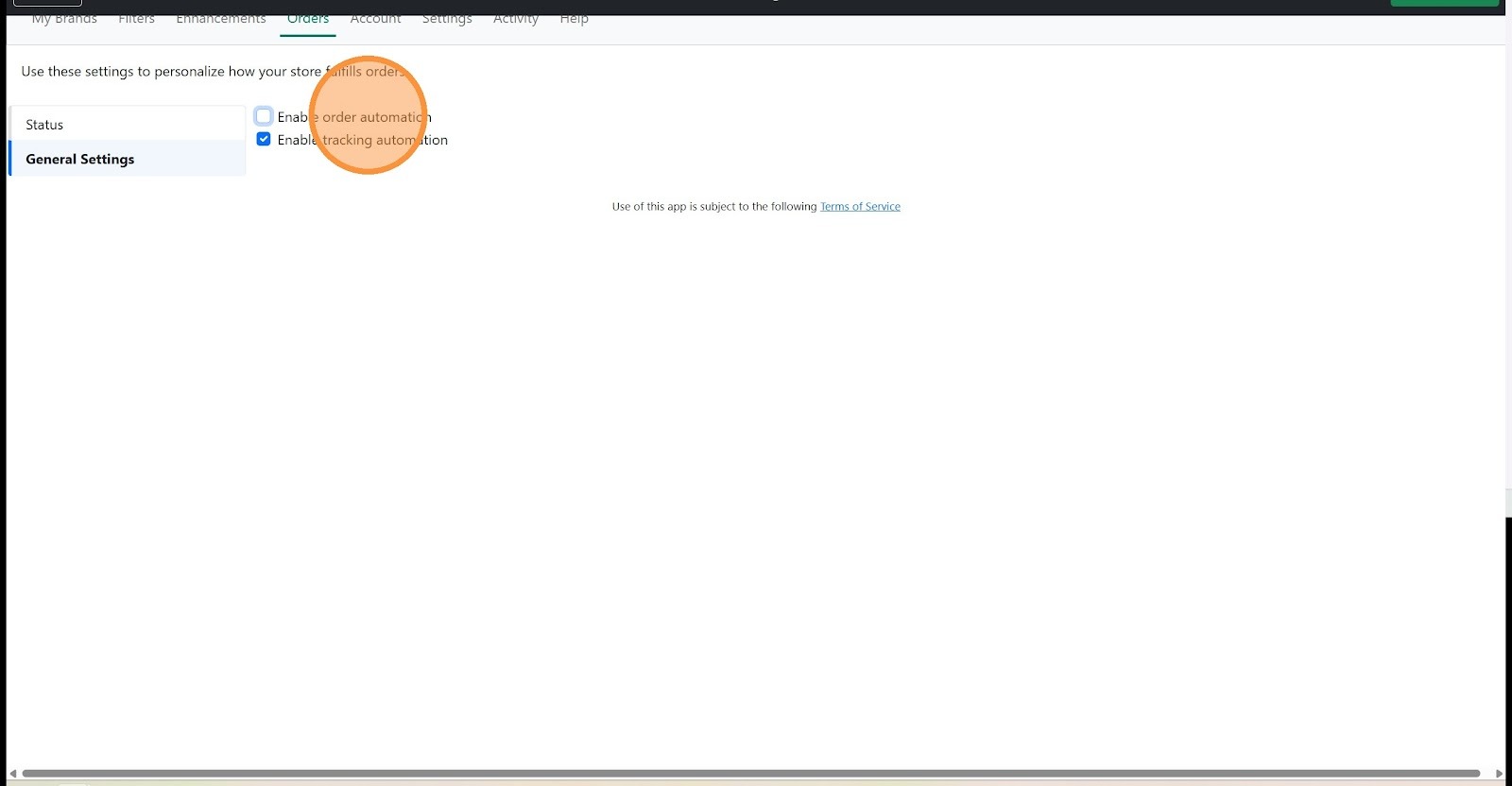
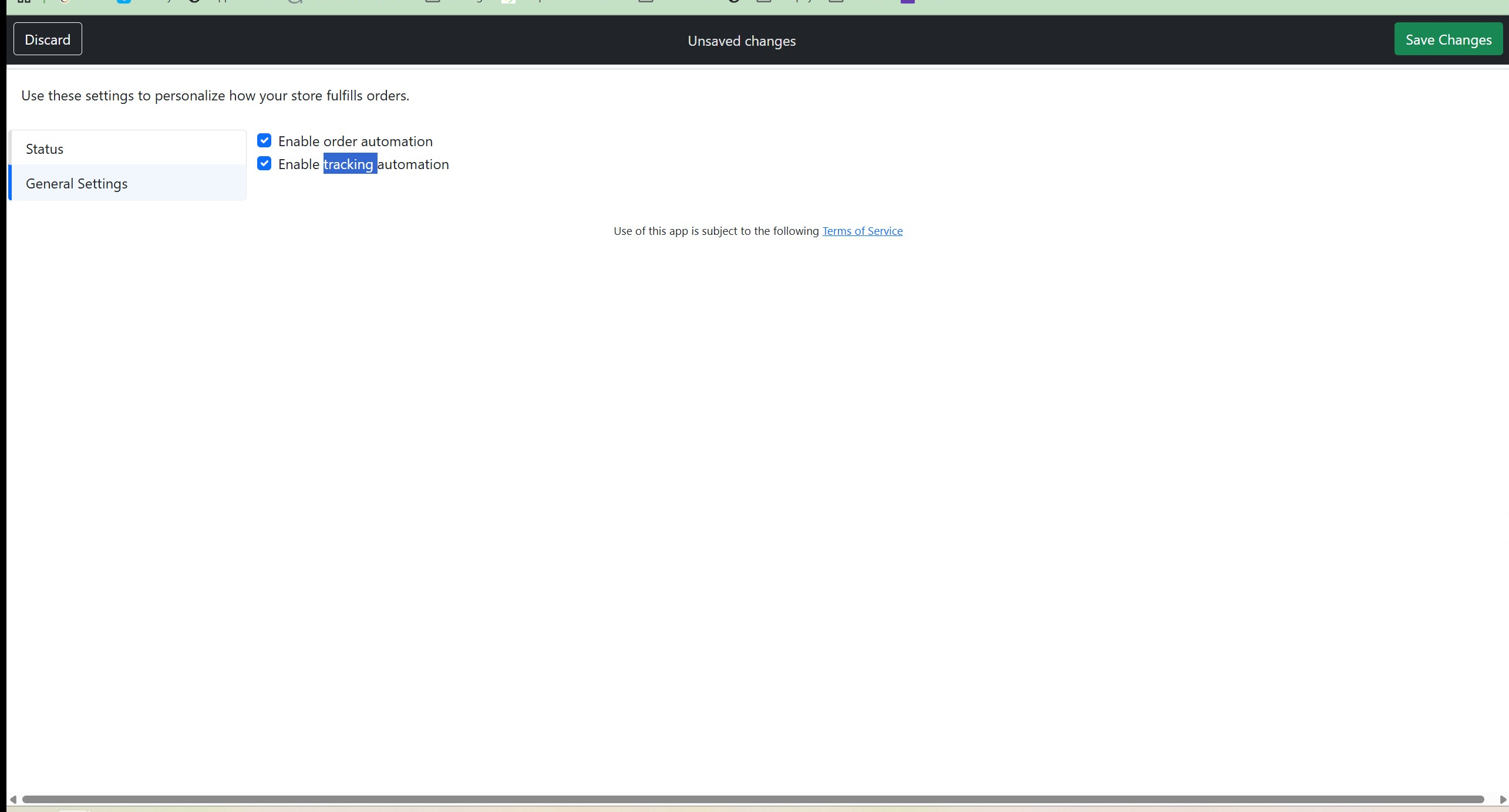
9. Click "Enable tracking automation"
10. Click "Save changes"
Was this article helpful?
That’s Great!
Thank you for your feedback
Sorry! We couldn't be helpful
Thank you for your feedback
Feedback sent
We appreciate your effort and will try to fix the article