1. Always make sure to check the "Send orders in test mode, do not fulfill." under the shipping settings of Meyer when doing the test order. Also enter the API username.
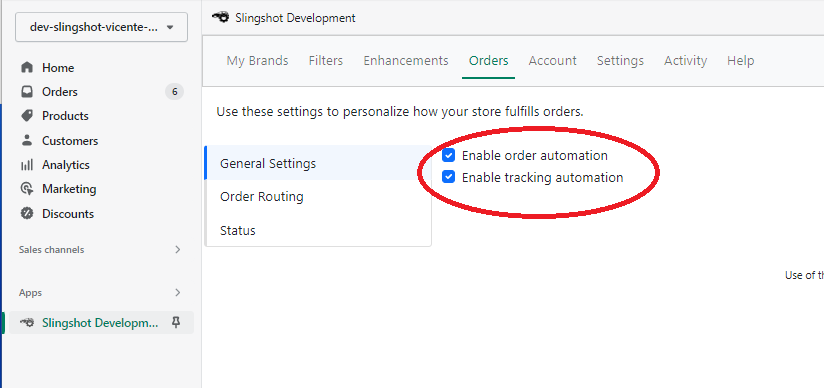
2. Go to the Orders Tab. Select the General Settings and check the "Enable order automation" and "Enable tracking automation".
4. Email us the order number so we can check if it's successful.
5. Go back to your Meyer settings and turn off test mode once we confirm the test.
The test results can take anywhere from one to several hours to arrive, as the test system is slower than the live one! Any order errors should appear in the order timeline.
Was this article helpful?
That’s Great!
Thank you for your feedback
Sorry! We couldn't be helpful
Thank you for your feedback
Feedback sent
We appreciate your effort and will try to fix the article